Work on Revit models in real time using a secure cloud environment. Teams can co-author designs more efficiently while using BIM data to improve buildability and reduce downstream issues.
Collaboration for Civil 3D
Collaborate on Civil 3D files, including data shortcuts and external references, within a centralised platform. Teams can review designs directly in a browser, improving accessibility and turnaround times.
Civil Model Coordination Tools
Coordinate infrastructure models with better context. Navigate alignments by station, generate cross sections, and measure offsets, elevations, and coordinates. Capture issues with precise location data so teams can resolve conflicts faster.
Collaboration for Plant 3D
Access and manage AutoCAD Plant 3D files across multiple teams. Maintain compliance within a structured, cloud-based common data environment.
Enhanced Model Viewing
Review models with improved performance and flexibility. Configure file formats, access extended properties, and create custom viewpoints for clearer coordination.
Automated Clash Detection
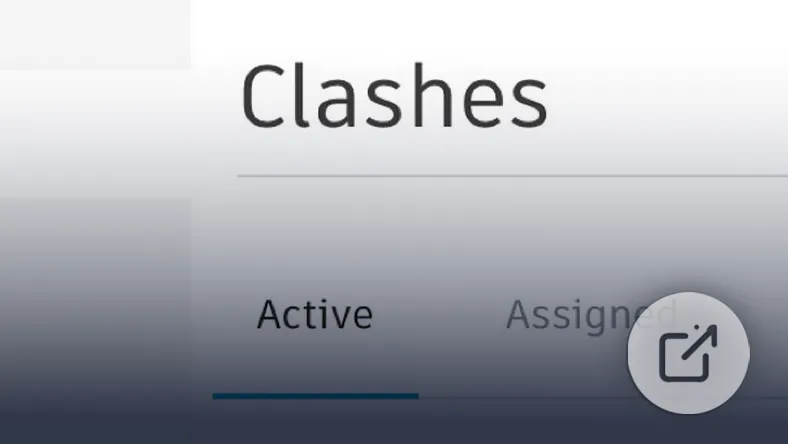
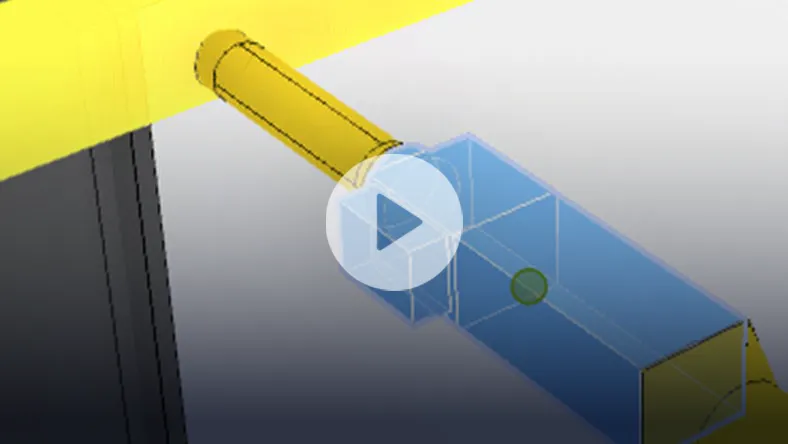
Identify design conflicts early by automatically detecting clashes across multidisciplinary models. Prioritise issues, assign responsibility, and reduce costly rework before construction begins.
Change Analysis
Track and compare design changes across disciplines in both 2D and 3D, including previous versions. Set up watch groups, receive notifications, and manage approvals with clear audit trails.
Connected Issue Management
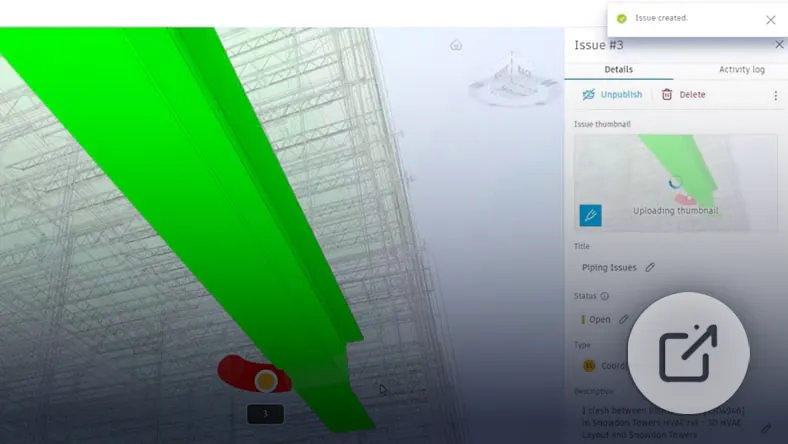
Identify, assign, and resolve design issues efficiently. Integrations with Revit and Navisworks allow teams to address issues directly within their working environment.
Project Communication
Keep all project-related communication structured and searchable. Link discussions to meetings, files, and issues to maintain clarity and accountability.
Meetings Management
Plan and manage meetings with agendas, attendance tracking, and recorded decisions. Assign action items with deadlines to keep projects moving forward.
Standardisation and Quality Control
Maintain consistency across projects using templates, controlled permissions, approved assets, and standard naming conventions.
Project Insights
Monitor project performance through dashboards that track trends, risks, and team activity. Customise views to focus on what matters most.
Cross-Project Data Bridging
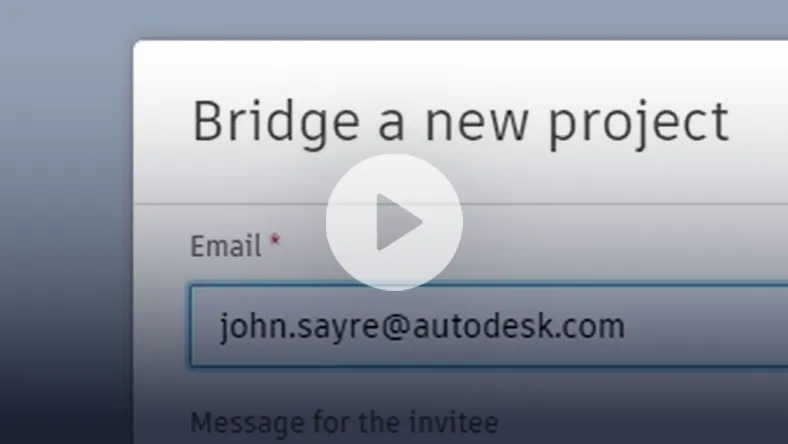
Connect models across different projects or accounts without duplicating data. Maintain ownership while enabling collaboration between stakeholders.
Design together. Coordinate better. Deliver with confidence.
Work together in real time, coordinate designs, and resolve issues faster.
Gain full visibility into project timelines, shared data, and design exchanges. Understand dependencies and track progress across disciplines.
Templates
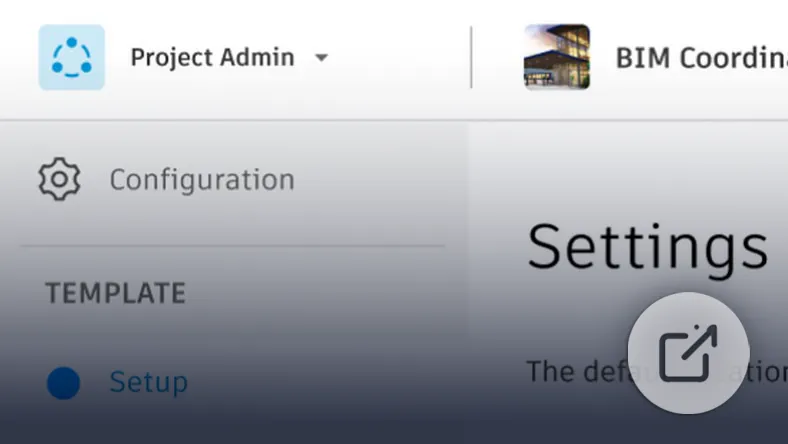
Deploy projects faster using predefined templates tailored to your business or client requirements. Standardise folder structures, roles, and workflows from the start.
File Naming Standards (ISO 19650)
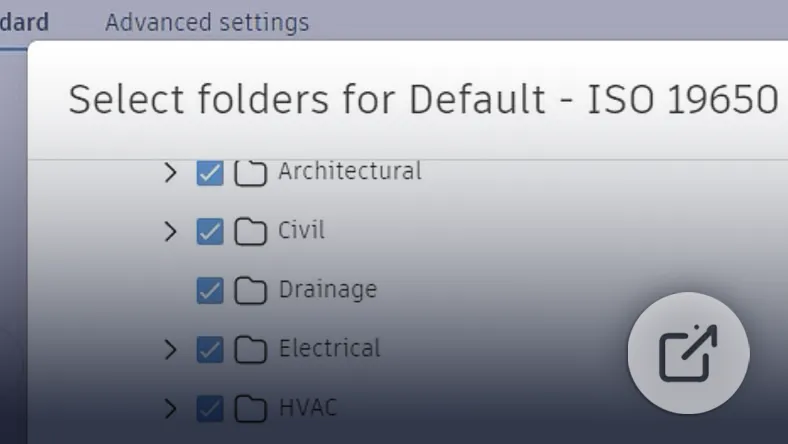
Apply structured naming conventions across all project files. Use built-in ISO 19650 standards or customise your own to improve clarity and reduce errors.
Permissions and Access Control
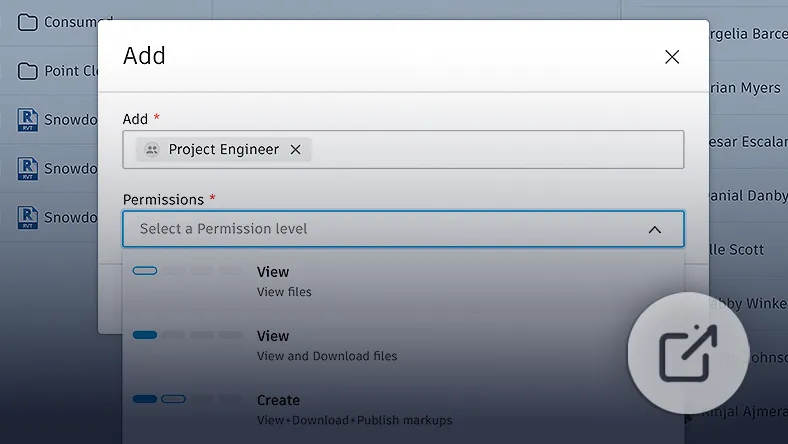
Manage who can view, edit, or share project data. Assign role-based permissions to protect sensitive information while enabling collaboration.
Reporting
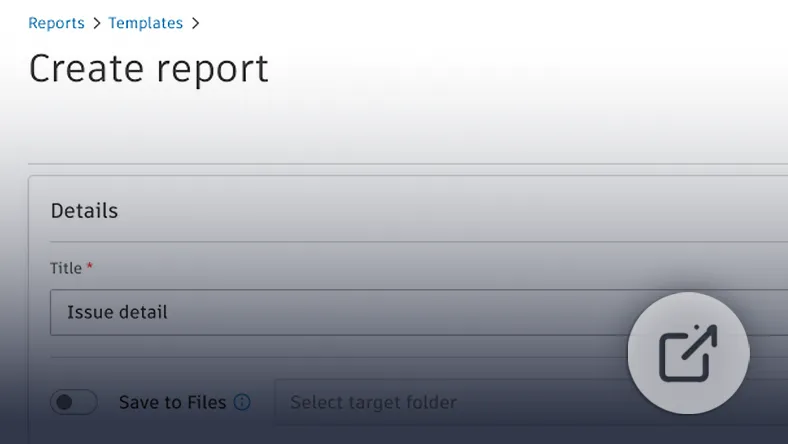
Generate and distribute reports that provide clear insight into project performance, issues, and progress for all stakeholders.
Specifications Management
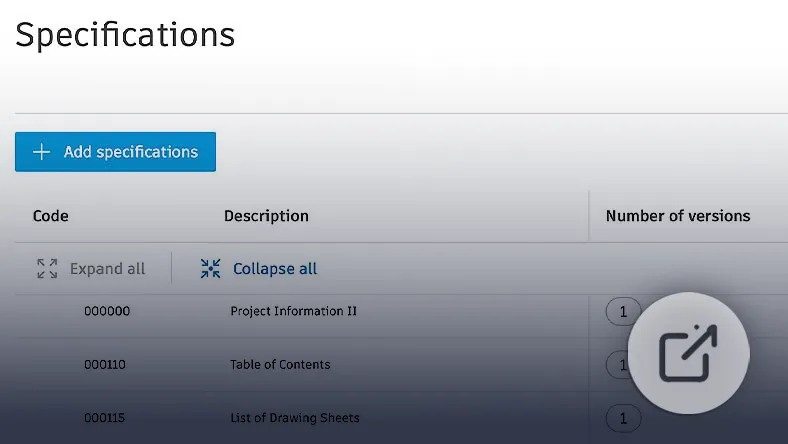
Centralise and manage design specifications. Link documents directly to models and maintain version control throughout the project lifecycle.
Collaborate
Multidisciplinary Collaboration
Bring all project teams into a connected cloud workspace. Share data securely, track exchanges, and improve coordination between internal and external stakeholders.
Clash Detection and Resolution
Automatically identify clashes and manage them in context. Assign issues, prioritise resolution, and keep coordination structured.
Cloud-Based Design Review
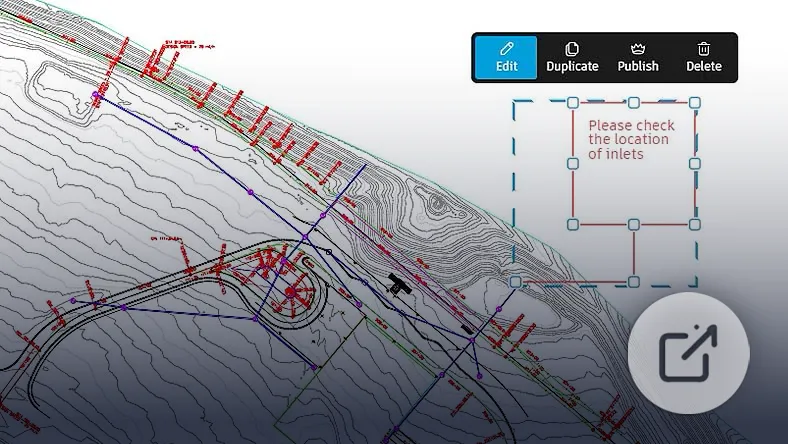
Create and manage mark-ups directly in the cloud. Add comments, measurements, and annotations to PDFs, DWGs, and RVTs while tracking accountability.
Design Coordination
Organise and resolve coordination issues using shared models in dedicated coordination spaces. Compare disciplines and evaluate design options with confidence.
Shared Packages
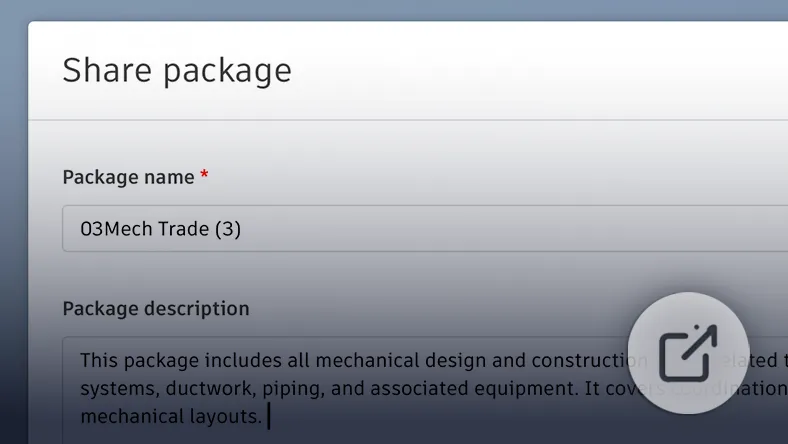
Bundle models, drawings, and documents into packages for controlled sharing. Review content before integrating it into your environment.
Handover & Digital Twin (Tandem)
Document Linking
Connect assets to key documentation such as O&M manuals, warranties, and datasheets for easy access during operations.
BIM Data Integration
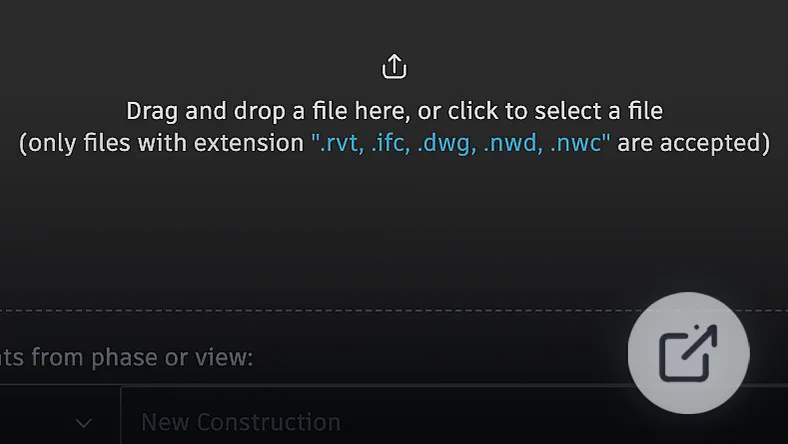
Import data from Revit, IFC, or integrated platforms to build a complete digital representation of your facility.
Asset Data Management
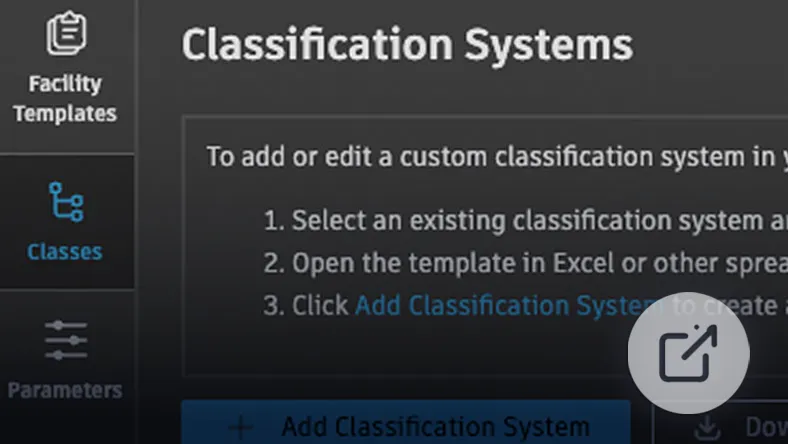
Structure and manage asset information using industry-standard classification systems or custom frameworks.
Dashboards and Data Visibility
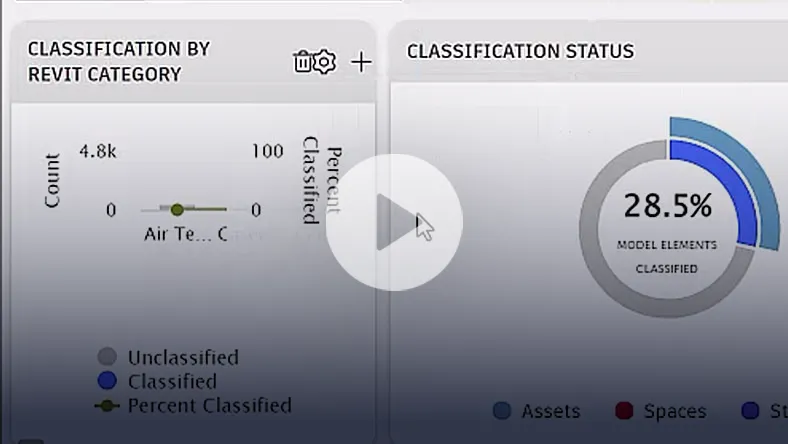
Monitor asset completeness and performance through visual dashboards and charts.
Search and Filtering
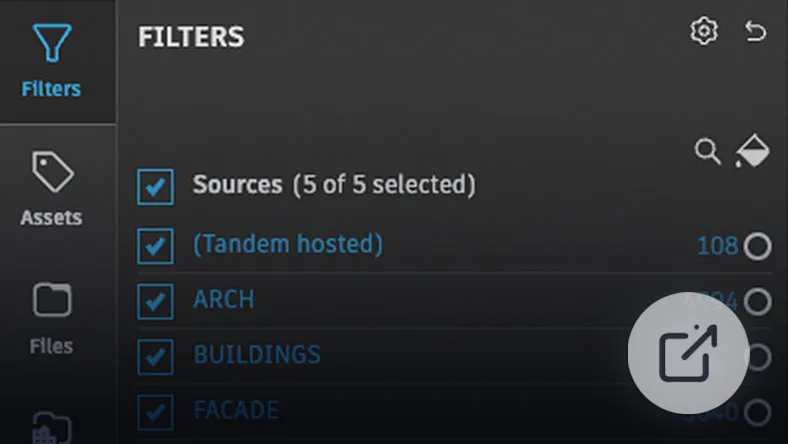
Quickly locate assets, documents, or spaces using powerful search and filtering tools.
Spaces and Asset Tracking
Manage building spaces and associated assets with clear visualisation across levels and systems.
System Visualisation
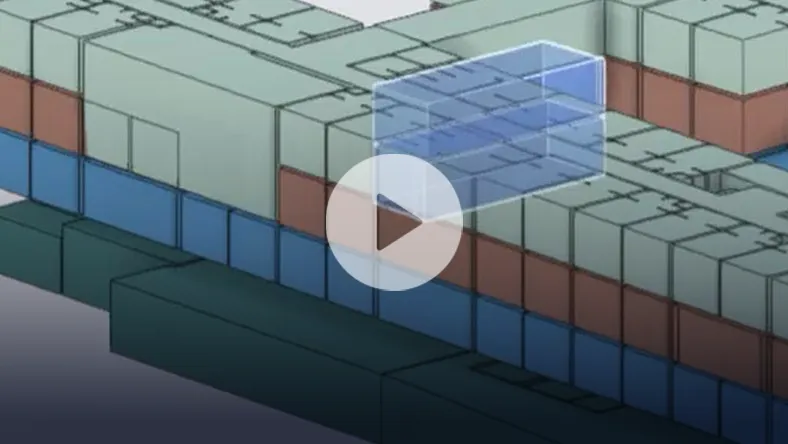
Map and analyse building systems in 3D. Trace connections and understand how assets interact within the broader system.
IoT & Live Data Integration
Connect building systems to real-time data sources. Monitor performance through heatmaps and time-based analytics.
Facility Handover
Transfer a fully developed digital twin to the facility owner, ensuring long-term operational value.
Have Questions About Complex Applications?
Speak to us about your operational requirements or outcomes and
we'll tailor a solution best suited to your business.