


Cost-effective 2D CAD software for drafting, drawing and documentation Product details


Cost-effective 2D CAD software for drafting, drawing and documentation Product details

Design complex custom furniture, cabinetry, and manufacturing assemblies with greater speed, accuracy, and production readiness.
Woodwork for Inventor V17, available from Micrographics, introduces new capabilities across furniture design automation, manufacturing data management, BOM accuracy, CNC preparation, nesting, and production workflows – helping manufacturers reduce repetitive work, improve engineering control, and accelerate design-to-production delivery.
Version 17 reduces friction across installation, updates, project management, and daily engineering workflows – allowing teams to spend less time managing systems and more time focused on design and production output.
Deploy and manage Woodwork for Inventor more efficiently across engineering environments.
Key improvements include:
The result is smoother deployment, lower administrative effort, and improved software stability across teams.
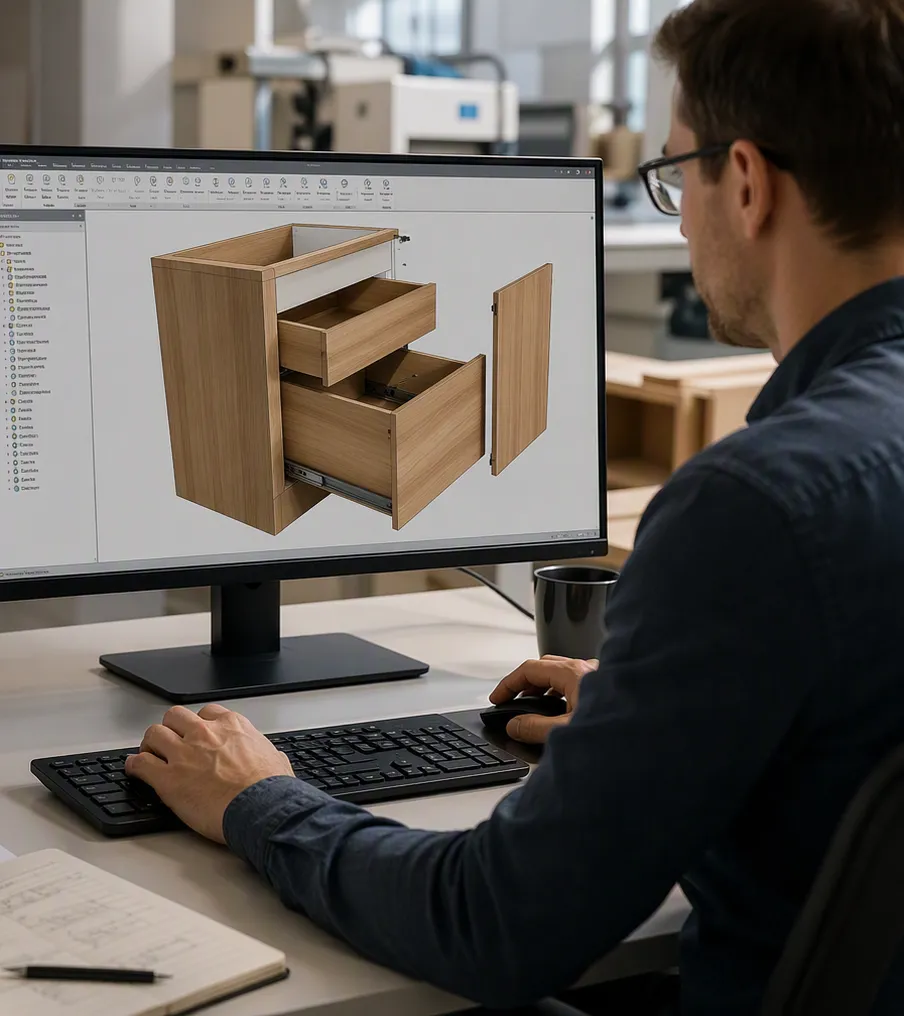

You can start using Woodwork for Inventor® immediately with their fully functional version for 14 days. This will give you a hands-on experience with the software and its capabilities.
Please note that it is mandatory to have Autodesk Inventor installed on your device in order to use Woodwork for Inventor software.
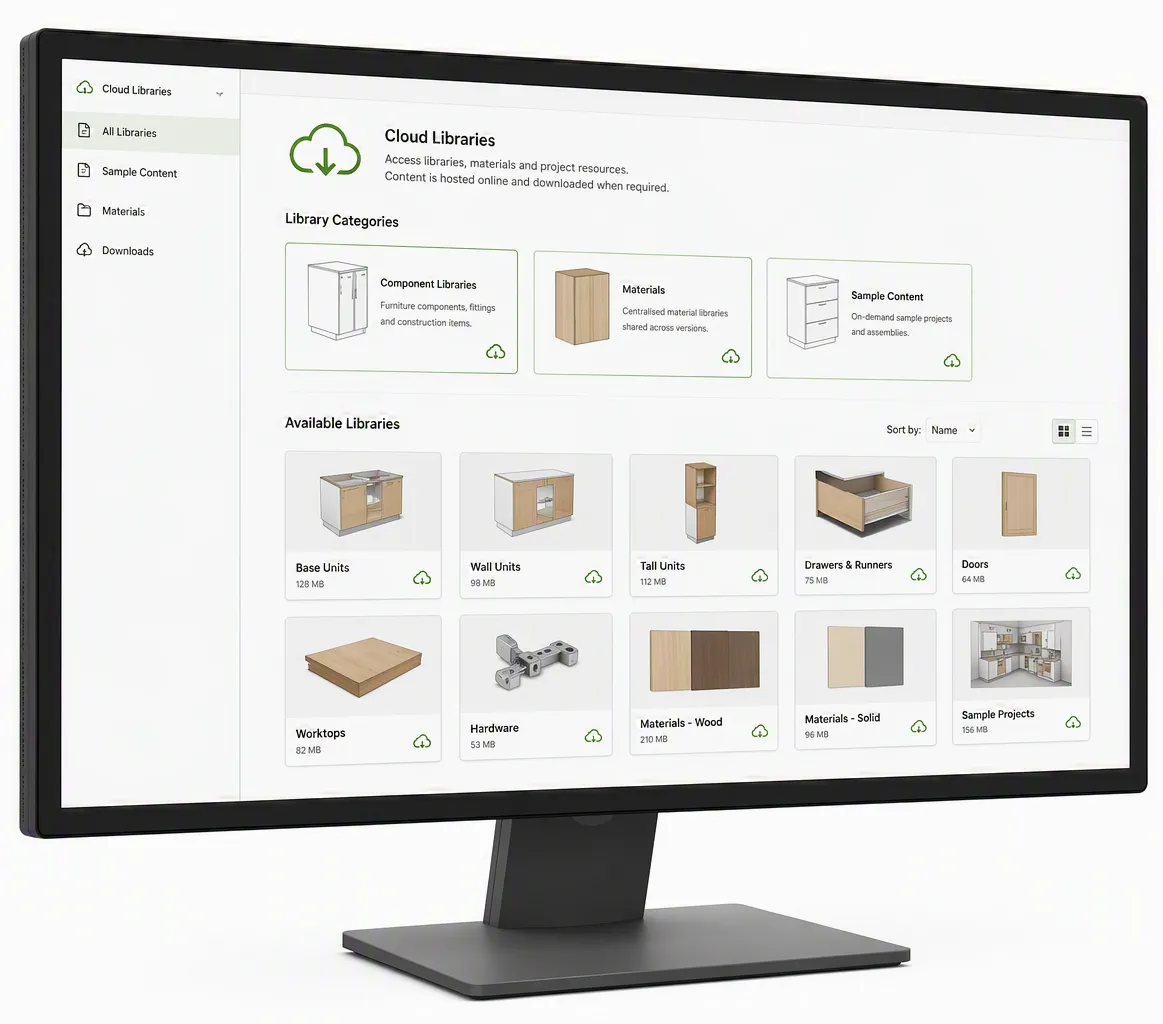
Access libraries, materials, and project resources when required – without manual setup processes.
V17 introduces a more connected approach to resource management through:
This supports better standardisation, faster setup, and greater consistency across furniture design and production environments.
Cleaner project organisation and easier management for growing teams and complex projects.
Project architecture improvements include:
The result is a more maintainable, scalable working environment for engineering and manufacturing teams.
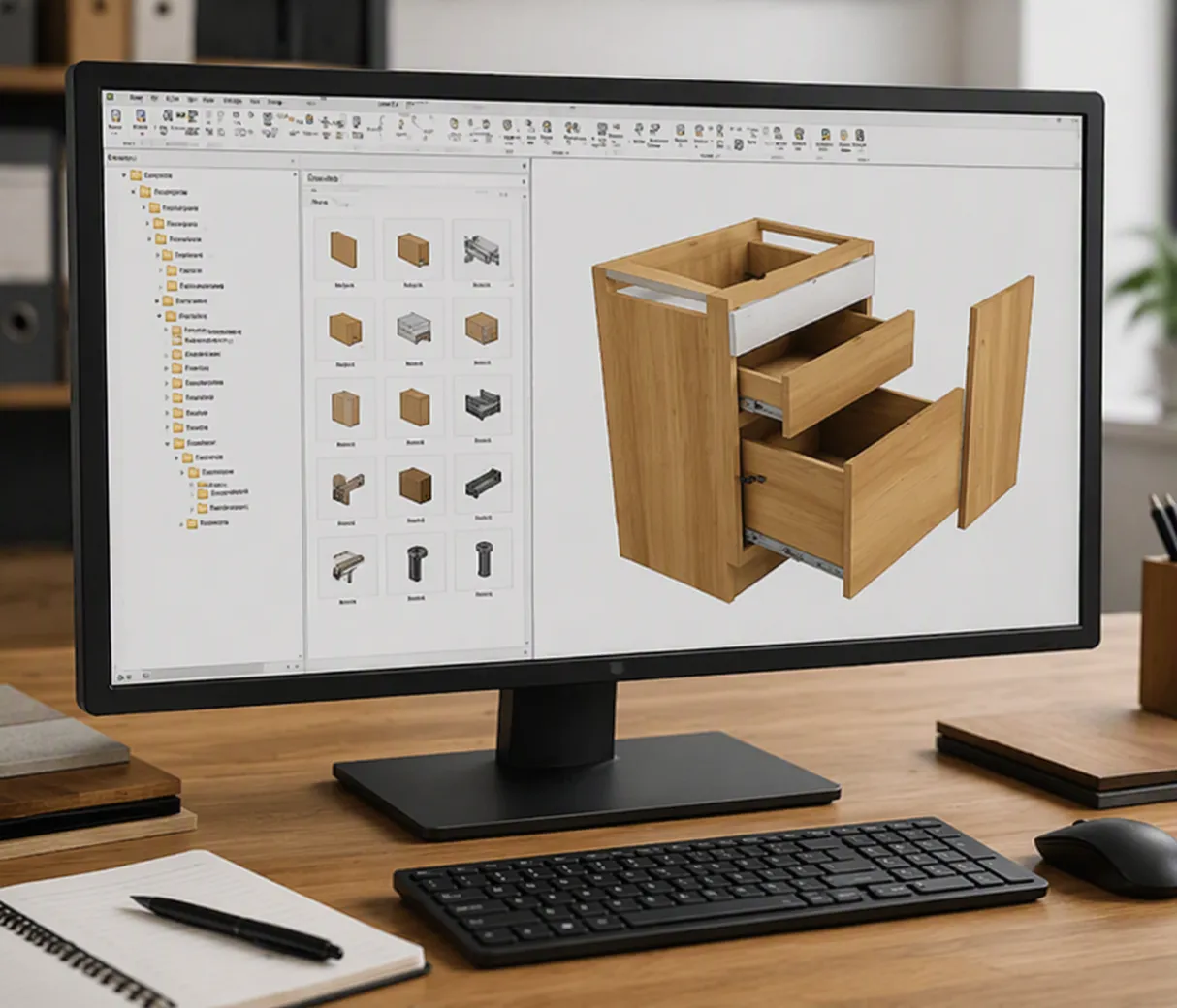
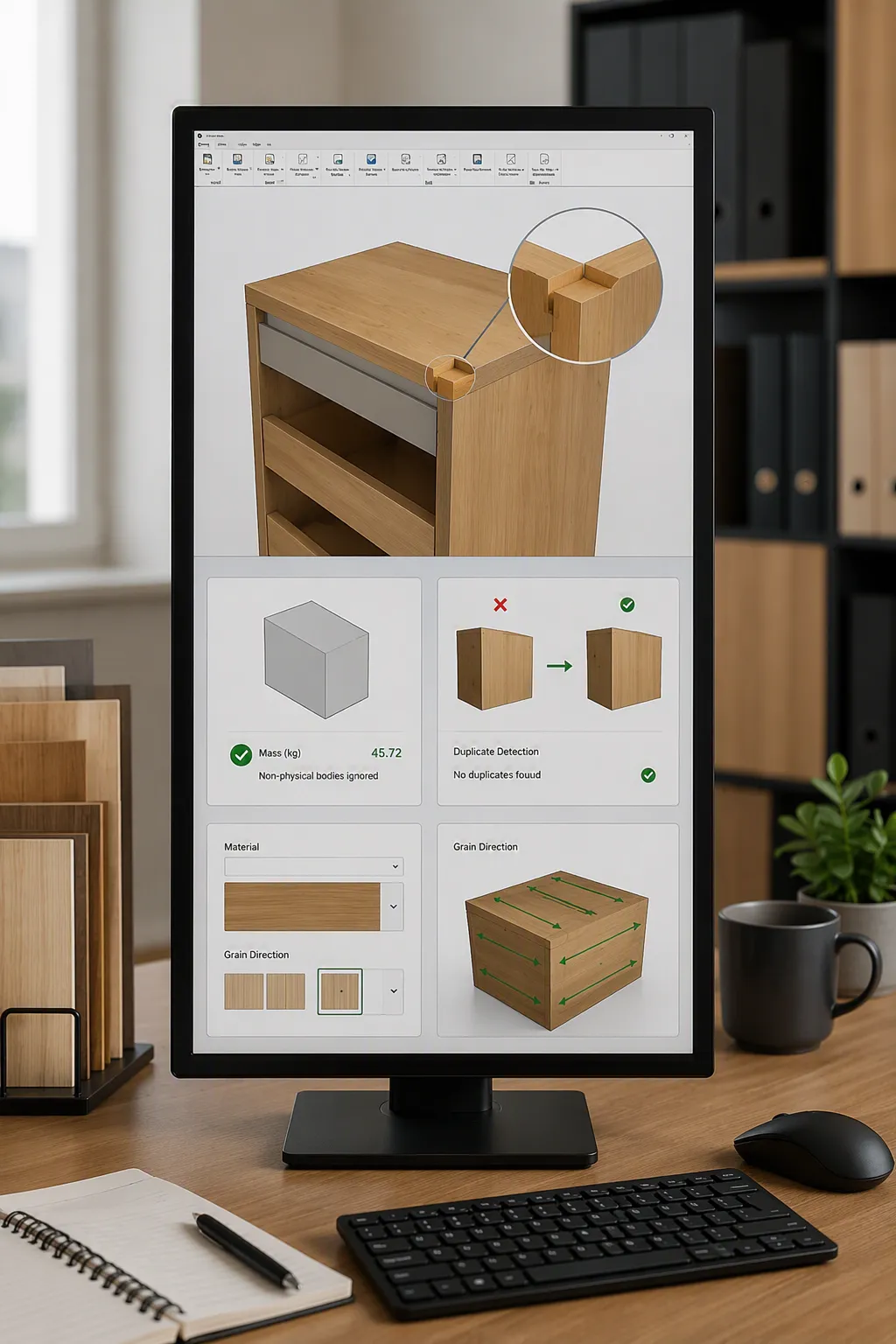
Expand modelling flexibility directly within the design environment.
Reduce calculation errors, improve output quality, and strengthen downstream production data.
Enhancements include:
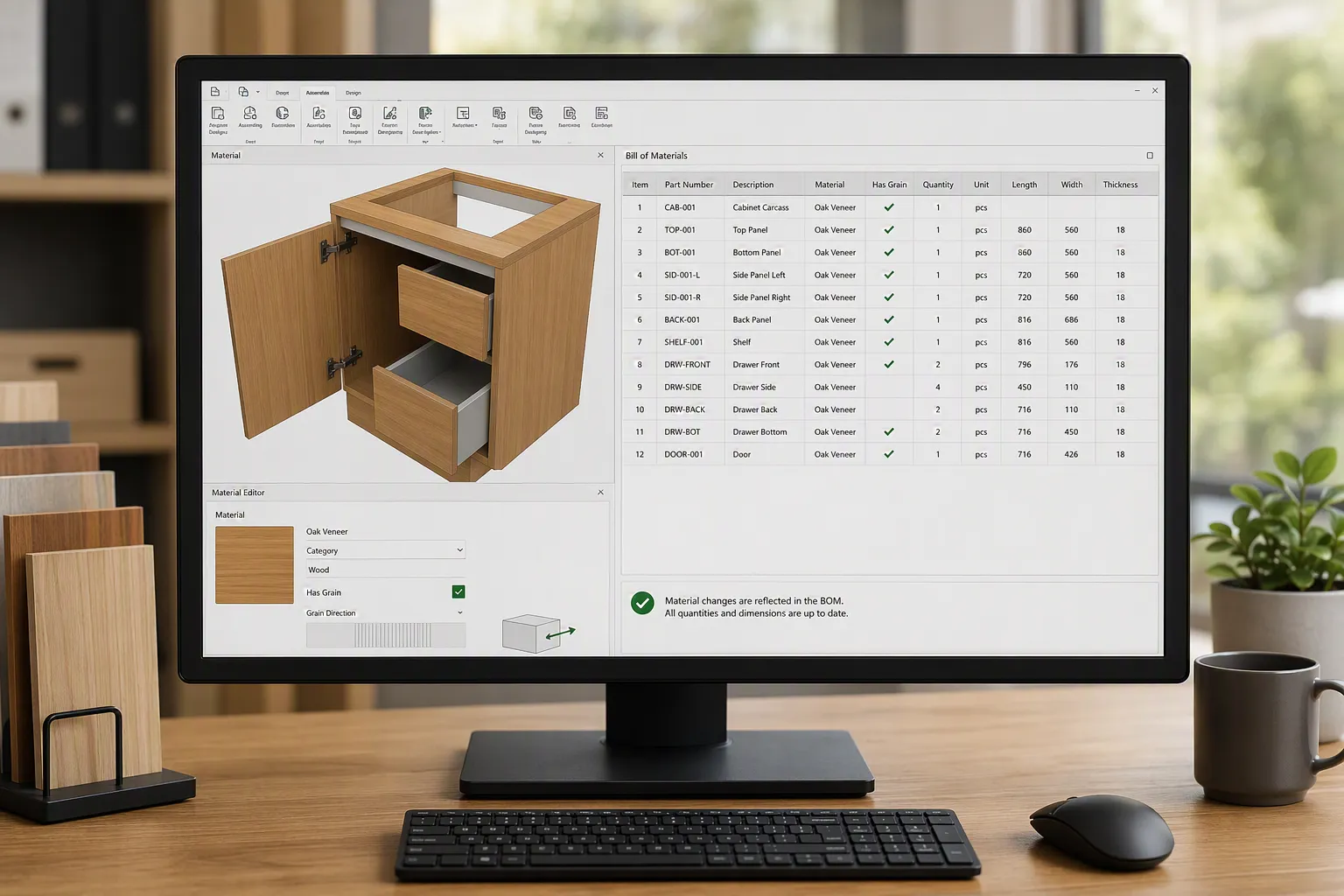
Production quality starts with reliable data.
Version 17 introduces stronger control over material definition and bill of materials outputs through:
Better data consistency supports more reliable manufacturing preparation and fewer downstream production issues.
Improve efficiency when working with large assemblies, configurable hardware, and production reporting.
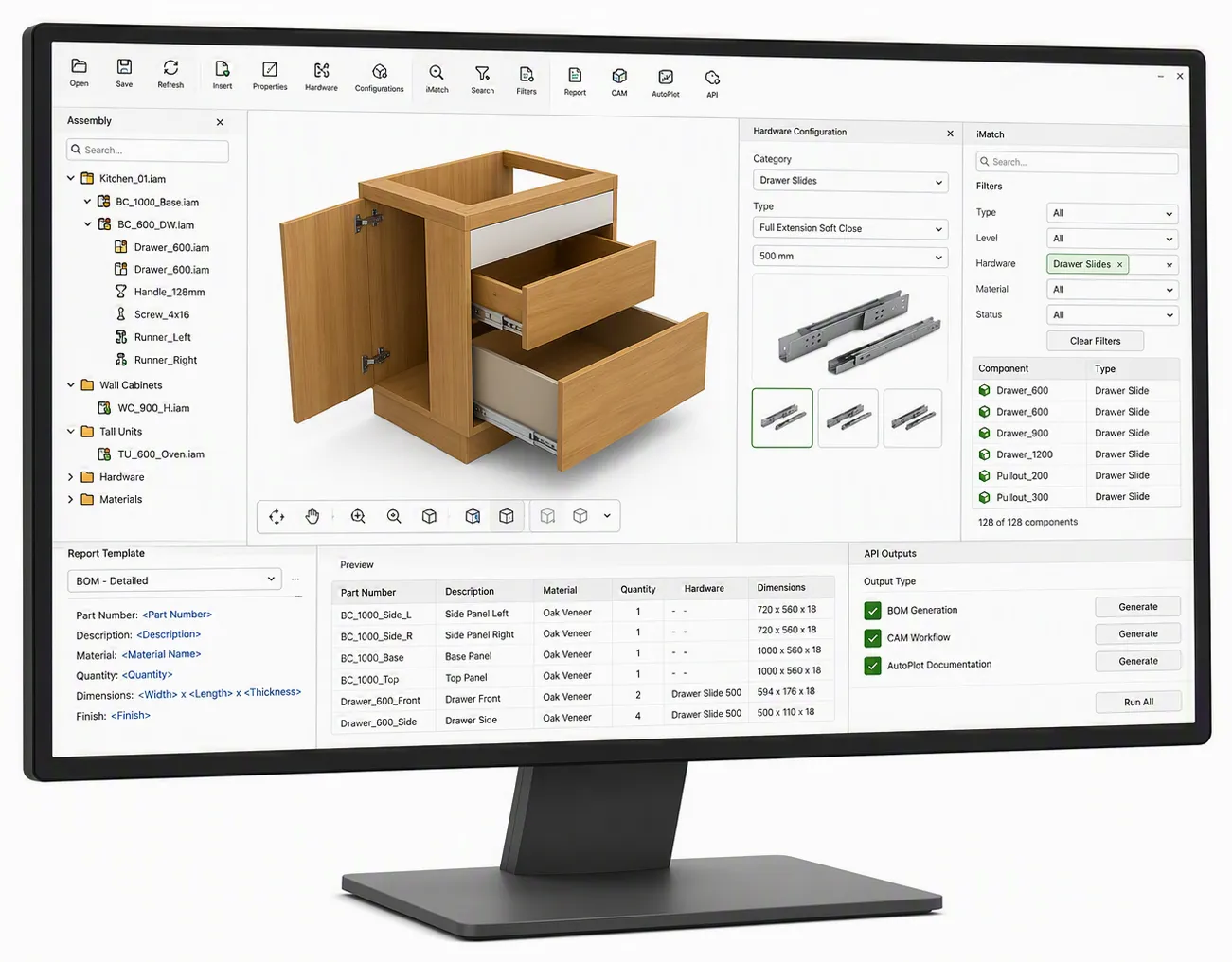
New workflow improvements include:
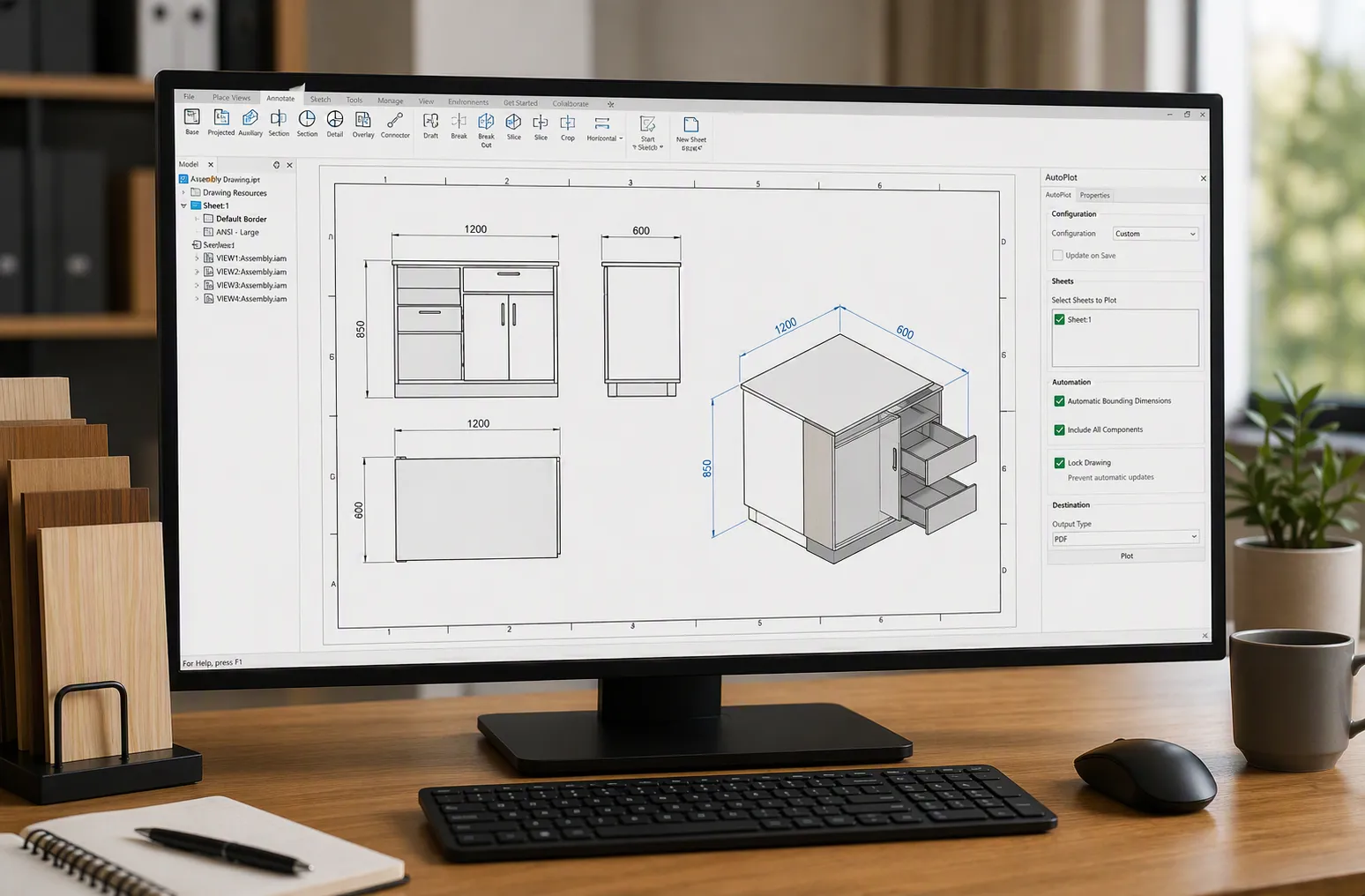
Improve drawing reliability and reduce documentation risk.
Version 17 introduces:
This provides stronger control over engineering documentation and more predictable production outputs.
Move from design to manufacturing with greater flexibility and machining control.
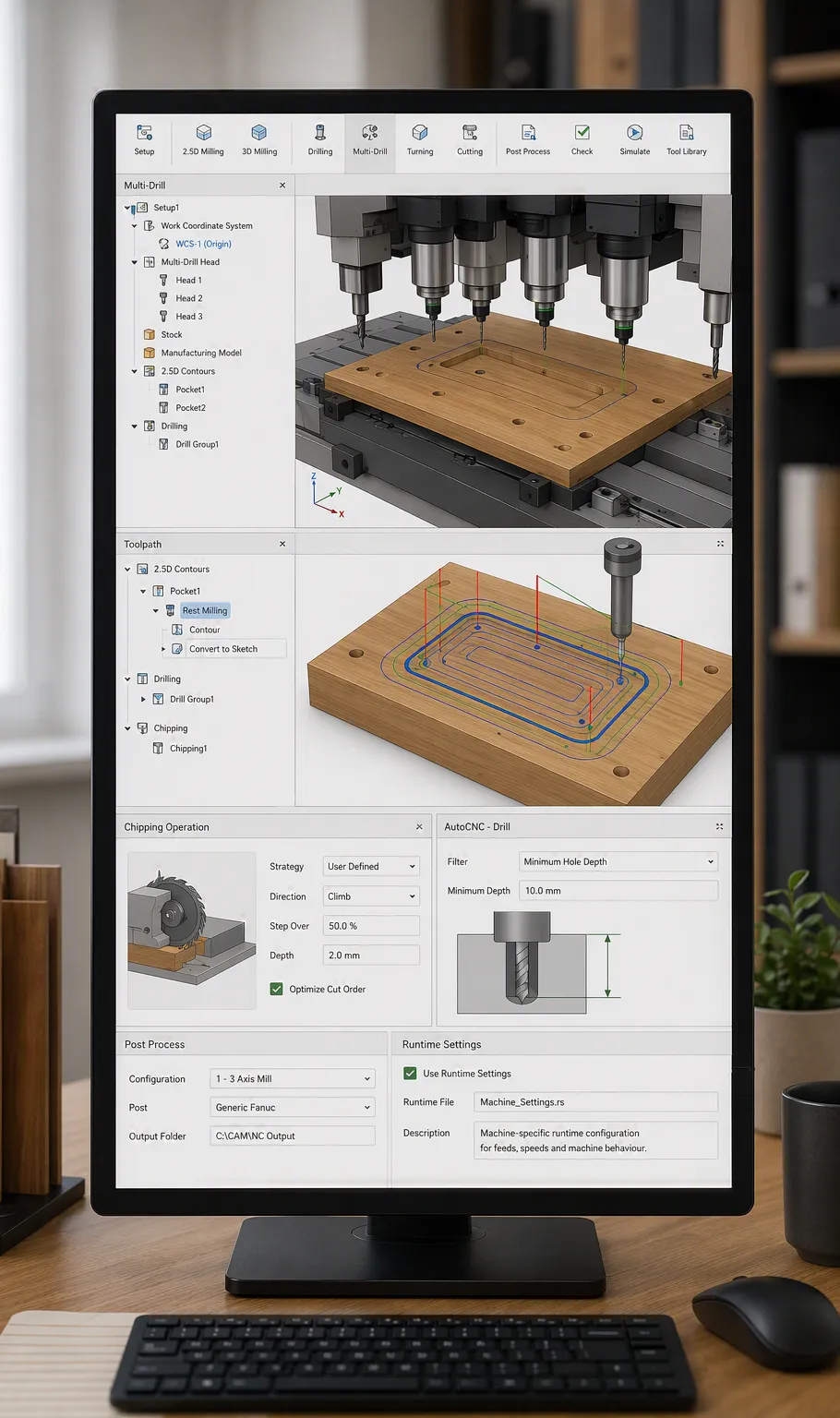
Adapt machining workflows to real manufacturing conditions.
Enhancements include:
Gain greater flexibility in machining preparation.
New capabilities include:
Additional support for machine-specific runtime configuration through:
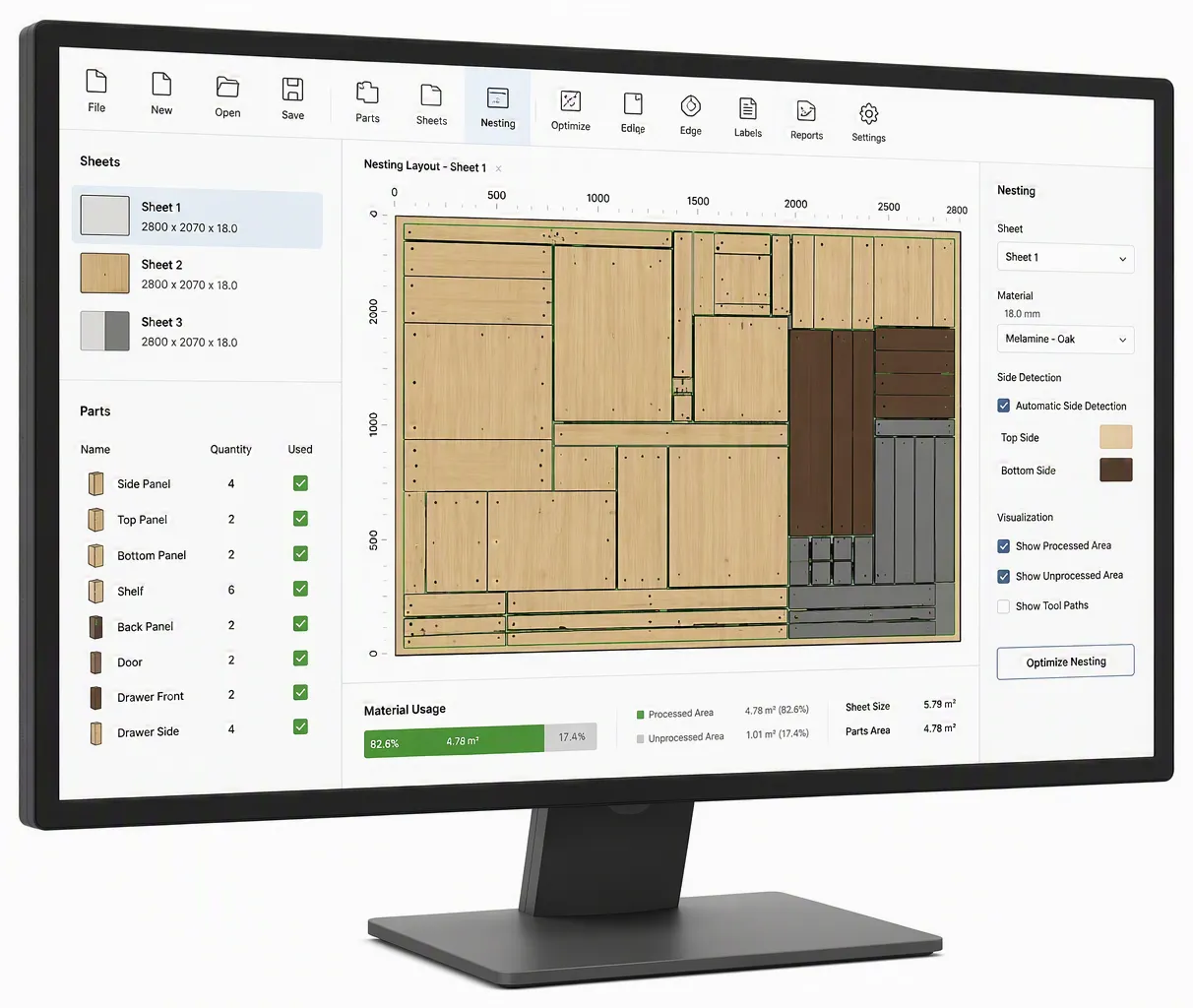
Improve nesting precision and material handling accuracy.
V17 introduces:
These enhancements support improved cutting accuracy, clearer material interpretation, and better production outcomes.
Woodwork for Inventor is designed for manufacturers operating in custom, high-variation production environments, where:
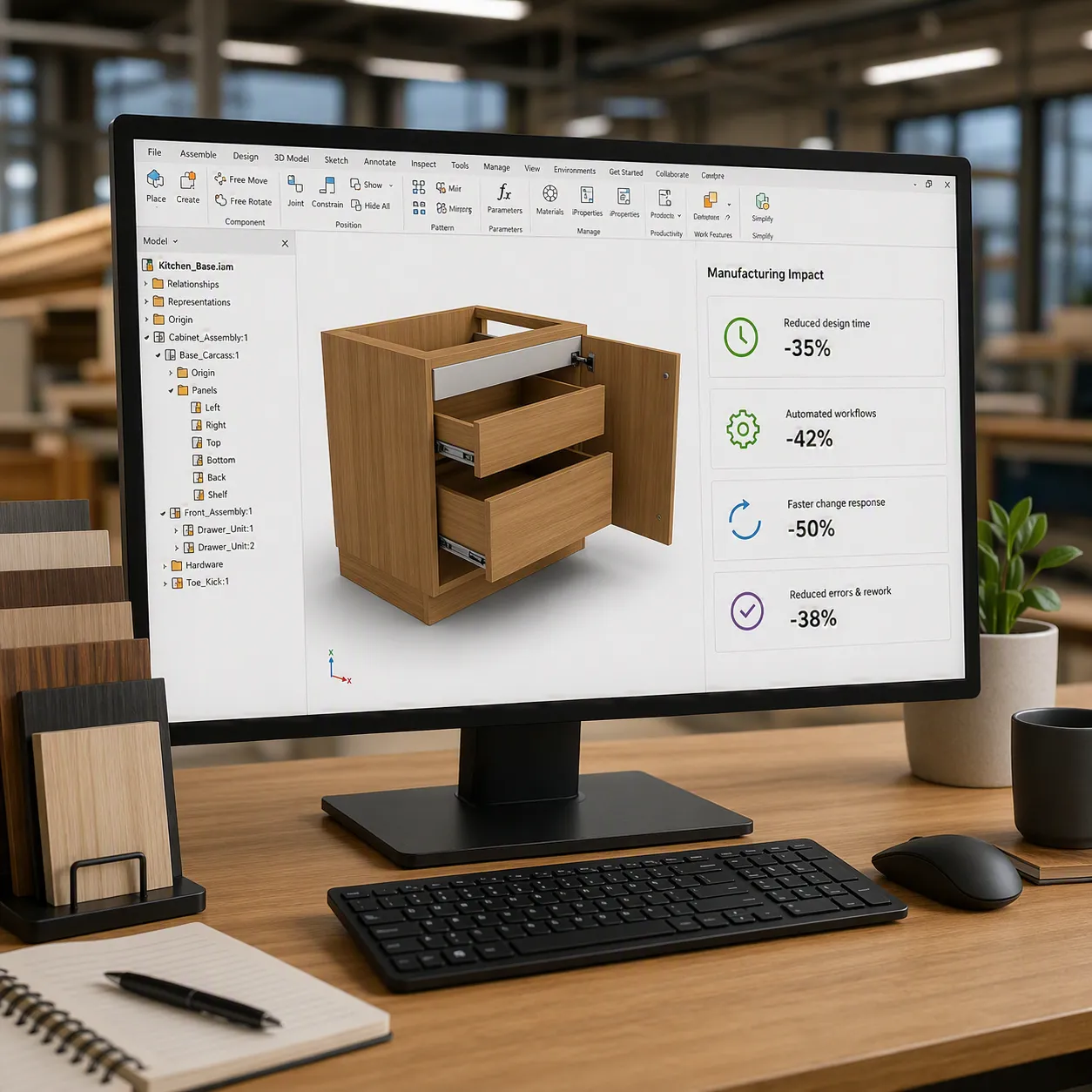
Across real-world applications, businesses report measurable operational improvements including:
Experience the latest capabilities in custom furniture design software, Autodesk Inventor manufacturing workflows, BOM automation, CAM preparation, and production-ready engineering processes.
Speak to Micrographics to see how V17 can help strengthen your design-to-production workflow.
We develop data sharing solutions to improve and speed up the communication between CAD & business management technologies.
We do unique assessments of our clients, enabling them to address workflow challenges, identify opportunities & achieve objectives.
By understanding BIM philosophies we can develop & implement BIM solutions for any project or establish BIM standards for any company.
Speak to us about your operational requirements or outcomes and we'll tailor a solution best suited to your business.
Cost-effective 2D CAD software for drafting, drawing and documentation Product details
Cost-effective 2D CAD software for drafting, drawing and documentation Product details
Operating System
64-bit Microsoft® Windows® 11. See Autodesk’s Product Support Lifecycle for support information. (Note 2)
CPU
Recommended: 3.0 GHz or greater, 4 or more cores. Supporting AVX2, AVX512 instruction set (Note 1)
Minimum: 2.5 GHz or greater
Memory
Recommended: 32 GB RAM or more
Minimum: 16 GB RAM for less than 500-part assemblies
Disk space
~40 GB total: Includes temporary space for download/installation as well as the final product install.
Graphics
Recommended: 8 GB/16 GB GPU with 240 GB/s Bandwidth and DirectX 12 compliant
Feature Level 12_0 is required to enable DirectX 12. Please be sure to use the latest drivers from the video card manufacturer’s website.
Minimum Recommended: 4 GB GPU with 96 GB/s Bandwidth and DirectX 11 compliant
Absolute Minimum: 2 GB GPU with 42 GB/s Bandwidth and DirectX 11 compliant
Note: Inventor uses your computer’s display card for a variety of essential graphics operations including but not limited to interaction, visualization, and large assemblies handling. It is recommended that you have a display card with dedicated VRAM to support these operations at optimal speeds.
See the Certified Hardware
Display Resolution
Recommended: 3840 x 2160 (4K); Preferred scaling: 100%, 125%, 150% or 200%
Minimum: 1280 x 1024
Pointing Device
MS-Mouse compliant
Productivity: 3DConnexion SpaceMouse®, driver version 10.7.0 or later.
Network
Internet connection for web install with Autodesk Access, Autodesk collaboration functionality, web downloads, and licensing.
See Autodesk Network License Manager for Windows
Spreadsheet
Full local install of Microsoft supported Excel 2016 or LibreOffice 7.2 (or later) for workflows that create and edit spreadsheets. Inventor workflows that read or export spreadsheet data do not require spreadsheet editor. See Inventor Excel Requirements for more information.
Office 365 subscribers must ensure they have a local installation of Microsoft Excel.
Windows Excel Starter®, OpenOffice®, and browser-based Office 365 applications are not supported.
.NET
.NET Version 10.0 or later. Windows Updates enabled for installation.
Browser
Google Chrome™ or equivalent
CPU Type
Recommended: 3.30 GHz or greater, 4 or more cores. Supporting AVX2, AVX512 instruction set 1.
Memory
Recommended: 64 GB RAM or greater
Graphics
Recommended: 8 GB GPU with 106 GB/S Bandwidth and DirectX 12 compliant
See the Certified Hardware.
