Manage project information within a secure, cloud-based environment purpose-built for AECO teams. Control user access, monitor changes, and align documents with drawings, models, and reviews to reduce coordination risk as projects progress.
Access Controls
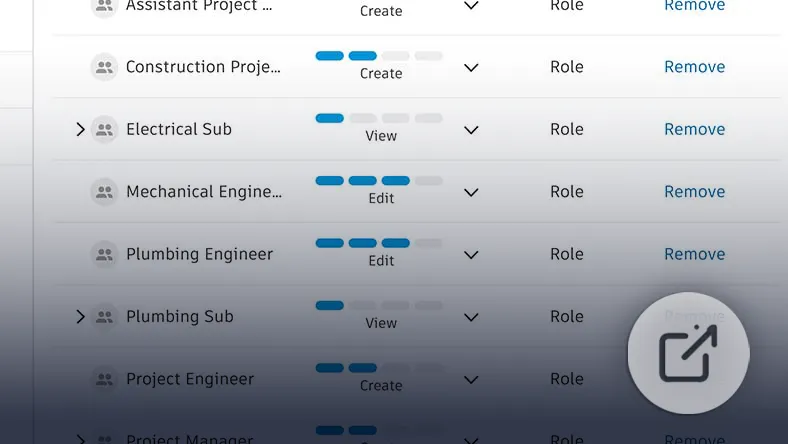
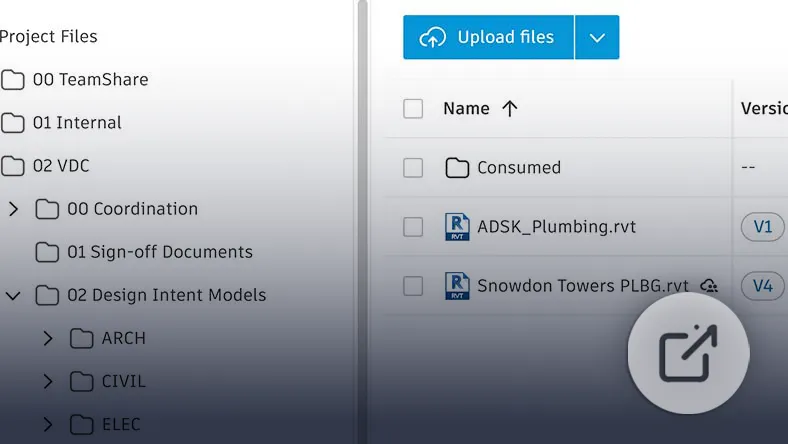
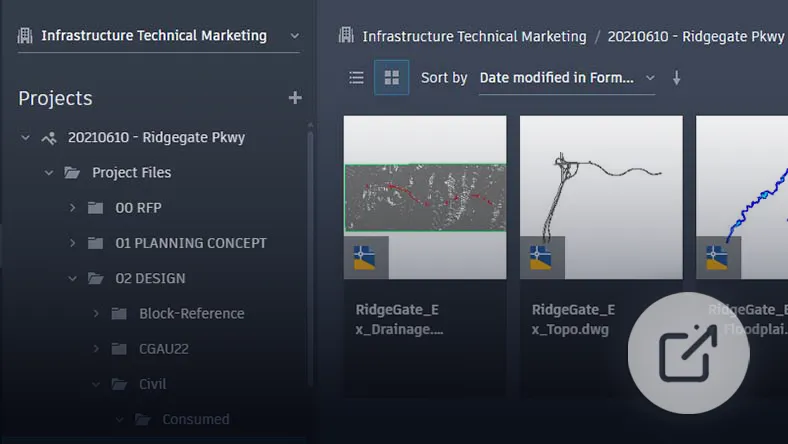
Assign folder-based permissions aligned with real project roles. Provide appropriate access levels to support collaboration while maintaining governance over sensitive project data.
Version Control
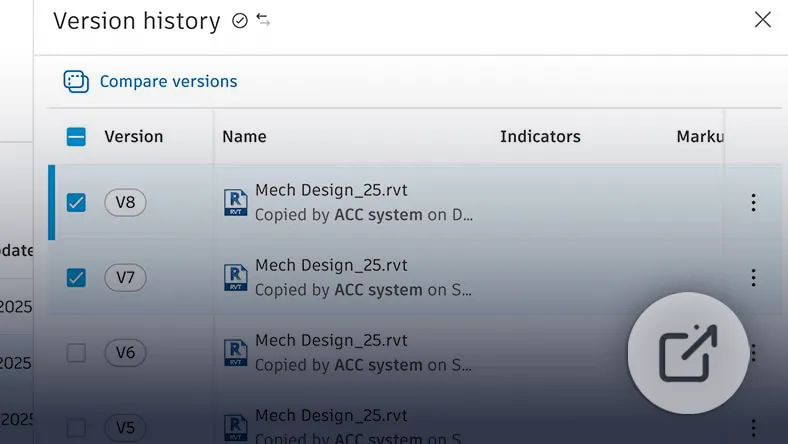
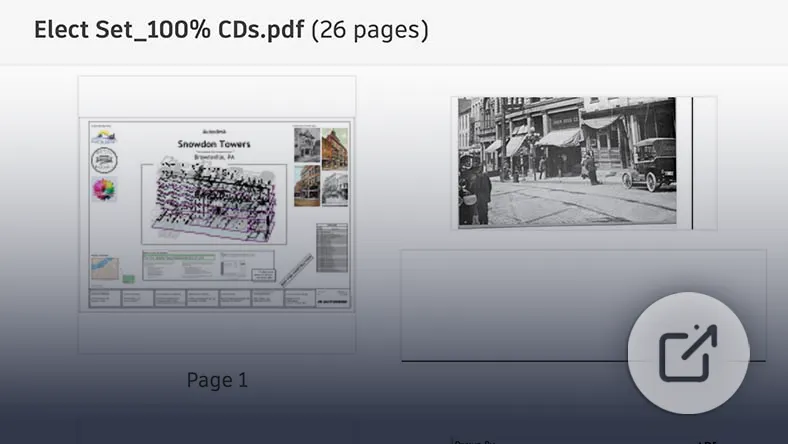
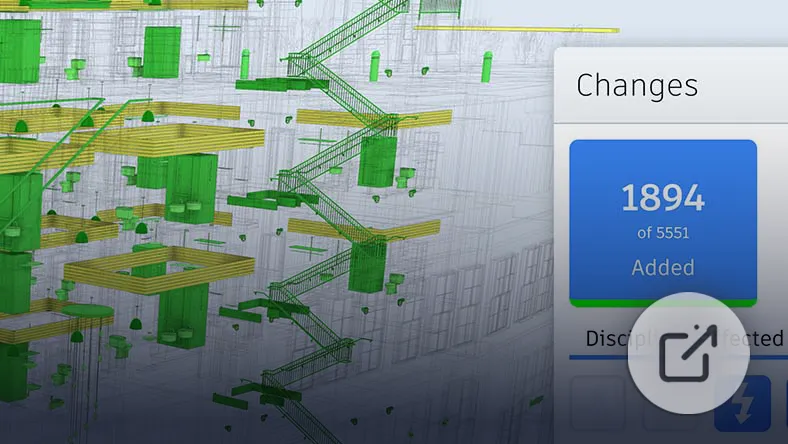
Maintain a complete audit trail for drawings, models, and documents. Compare revisions, review historical versions, and restore earlier files when required to ensure teams work from accurate, current information.
Desktop-to-Cloud Connectivity
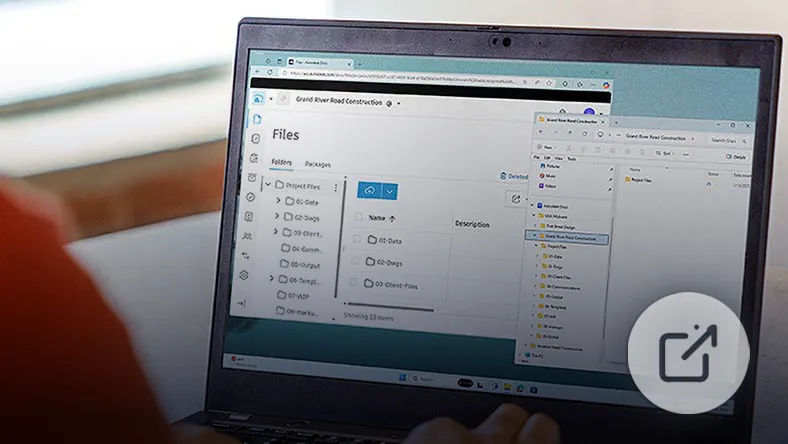
Link desktop authoring tools to a centralised cloud workspace. Continue working in familiar design environments while project data is securely managed, versioned, and synchronised in the cloud.
Reviews and Approvals
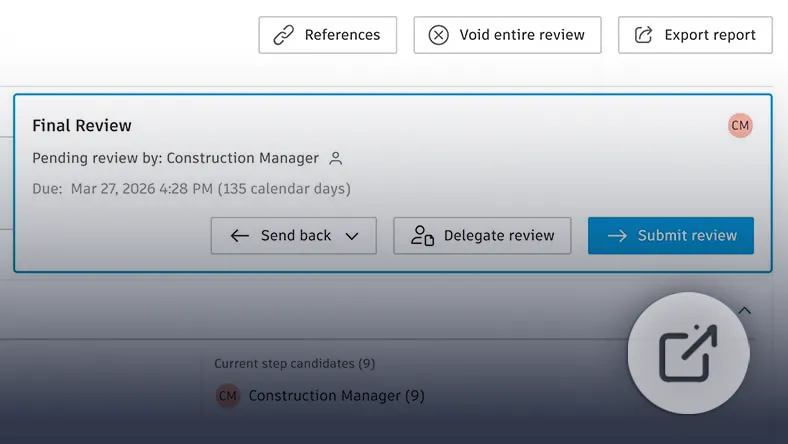
Implement structured workflows for document review and formal sign-off. Route deliverables through defined approval stages, track decisions, and maintain a clear record to reduce risk and improve accountability.
Custom Metadata and Attributes
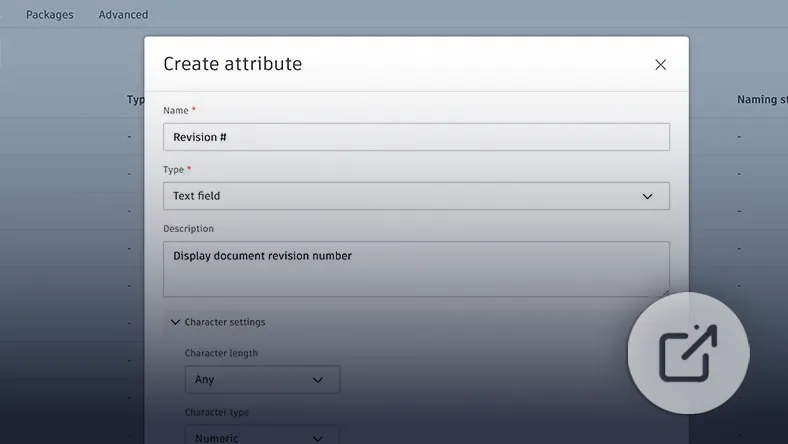
Apply custom attributes to files and folders to capture structured project information. Improve search accuracy, context visibility, and long-term information reliability as project complexity increases.
Naming Standards
Enforce consistent file naming conventions to support clarity, reduce confusion, and maintain structured data management throughout the project lifecycle.
Project Reporting and Insights
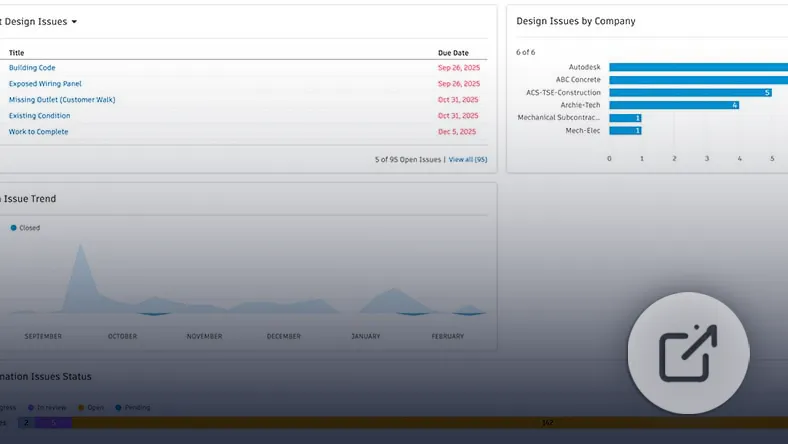
Generate dashboards and reports summarising activity, progress, and trends. Improve visibility into project performance using consolidated data to support informed decision-making.
Automated Drawing Extraction
Automatically split multi-page PDF drawing sets into individual sheets, extract title block data, and generate hyperlinks between related sheets. Store extracted sheets in permission-controlled folders to improve organisation and coordination.
Specifications Management
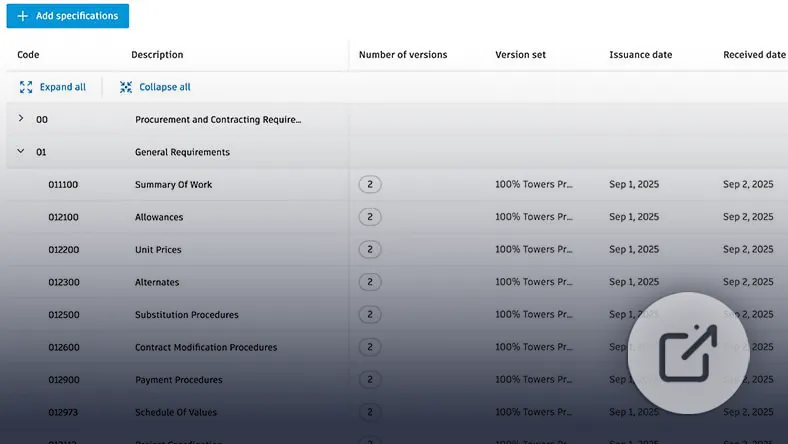
Manage project specifications within the same environment as drawings and models. Keep requirements aligned with design intent and reduce inconsistencies between documentation and deliverables.
API Access
Enable programmatic access through Forma and AEC Data Model APIs. Integrate with external systems, automate workflows, and extend project data beyond the core workspace.
Centralise. Control. Connect.
Deploy Autodesk Forma Data Management to standardise project data, enforce governance, and enable secure, real-time collaboration across your AECO teams.
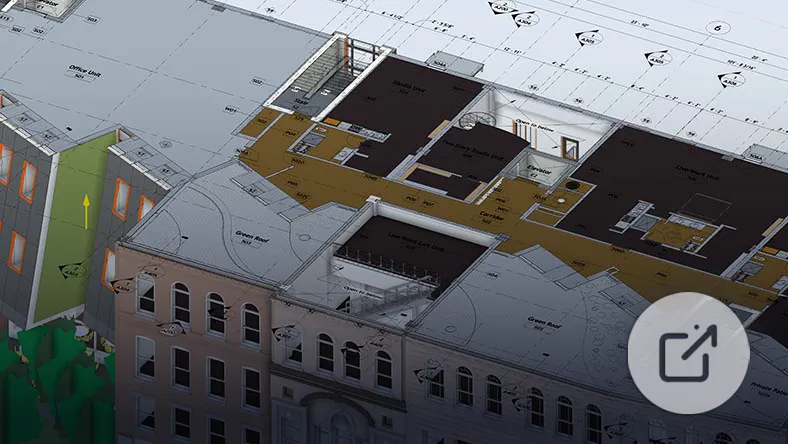
Open and review 2D drawings and 3D models in a web viewer built for AECO coordination. Maintain alignment without exporting files.
Civil Tools
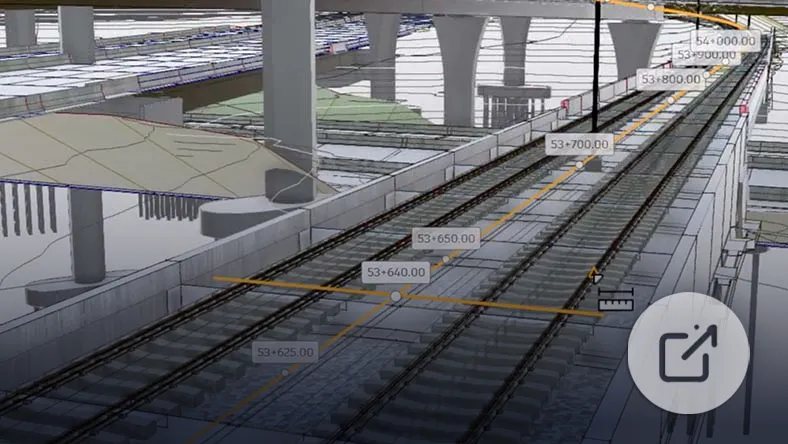
Review Civil 3D drawings using alignment-aware tools for stationing, navigation, sectioning, and measurement. Visualise centre lines, cross sections, and extract key information without returning to authoring software.
Collaboration
Capture Feedback and Maintain Accountability
Markups
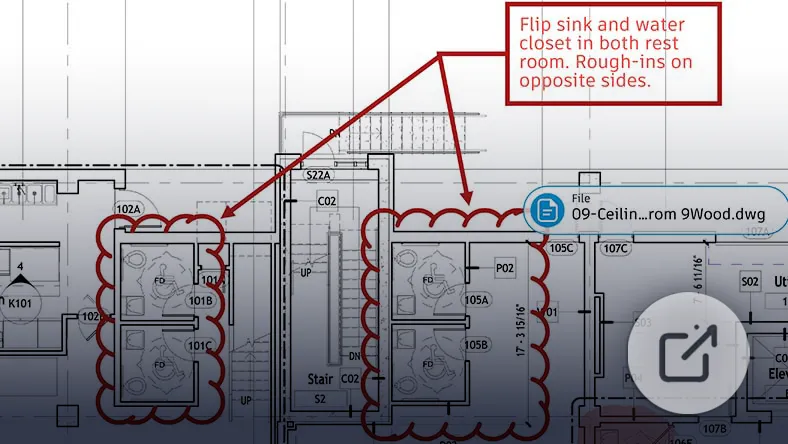
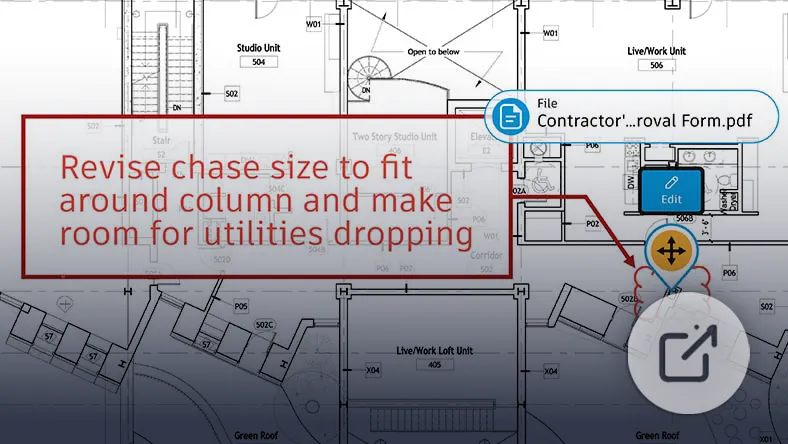
Add contextual markups directly to drawings and models. Link comments to precise design locations to improve clarity and speed up coordination.
Issue Tracking
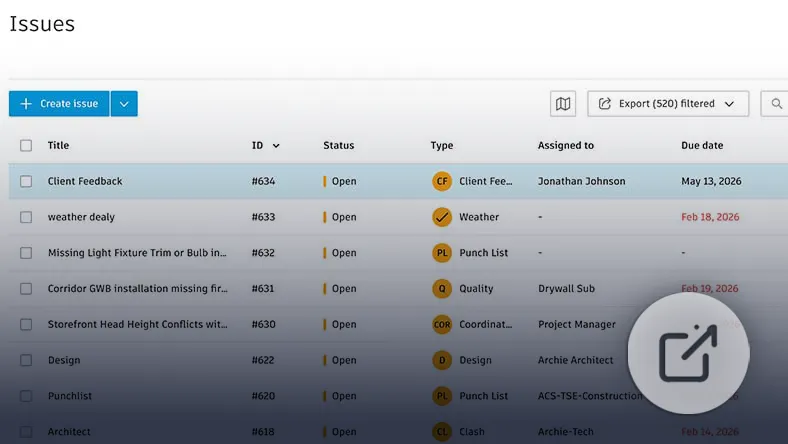
Log, assign, and track issues within a centralised project workspace. Maintain a searchable history from identification through resolution to improve transparency and accountability.
Search and Share Files
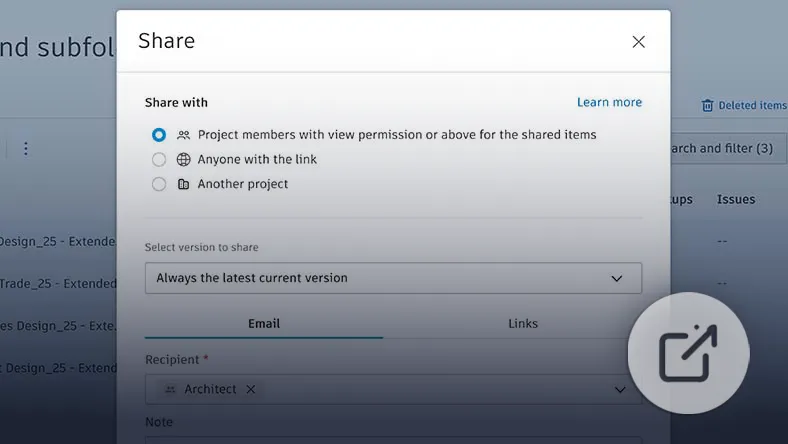
Use advanced filtering and search tools to locate content quickly. Share files via permission-controlled links without relying on email attachments.
Bridge
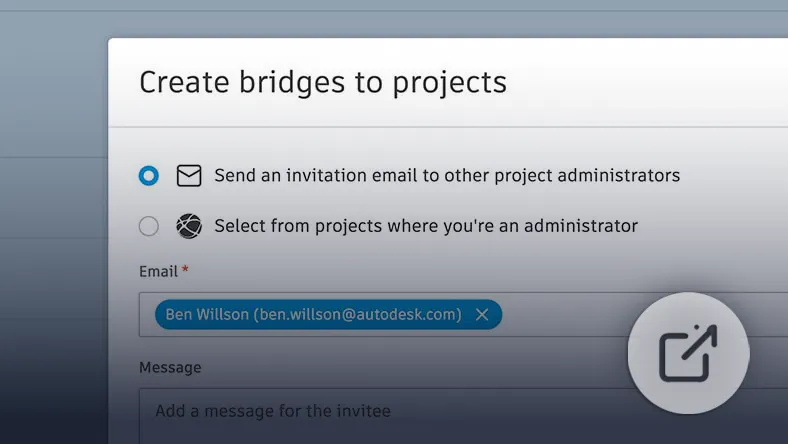
Exchange data across Forma projects or hubs while retaining ownership of your project records. Support controlled collaboration with external stakeholders without losing long-term data control.
Mobile Access
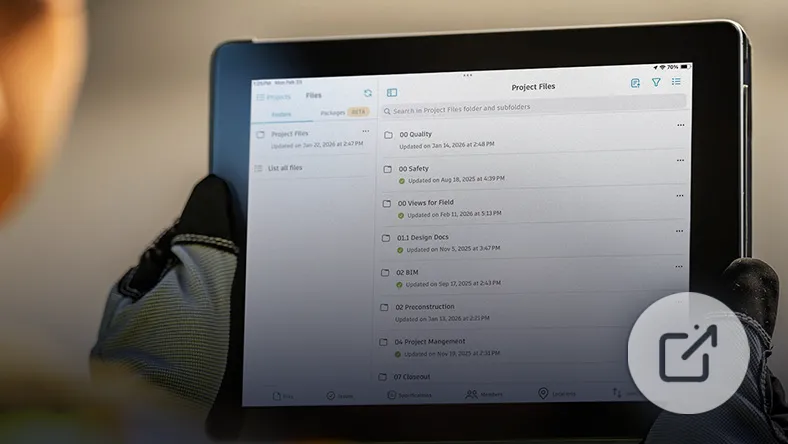
Access and update project data from mobile devices. Reference drawings and documents on site or in the field while staying aligned with current project information.
Delivery
Structured Information Exchange
Reviews and Approvals
Route documents through formal review workflows with clear status tracking and audit trails to support reliable sign-off processes.
Packages
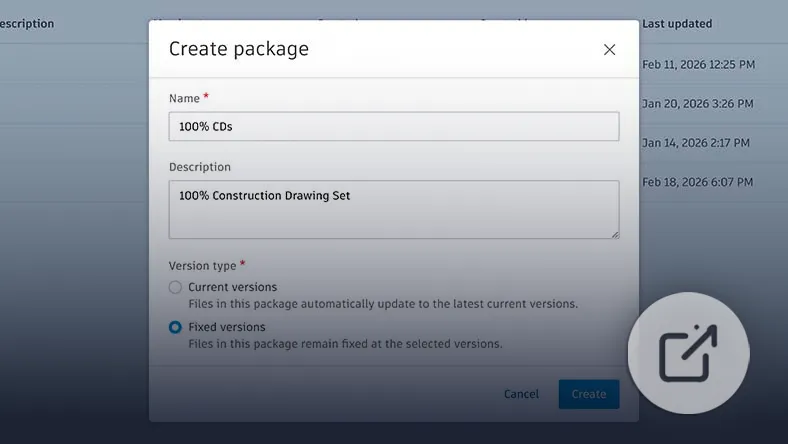
Group drawings and documents into structured deliverables for formal exchange. Maintain a clear record of issued content and reference points throughout the project lifecycle.
Transmittals
Issue drawings and documents through controlled transmittals. Track distribution history, recipients, and dates to ensure traceable information exchange.
AutoCAD Integration
Cloud-Connected AutoCAD Workflows
Checkout
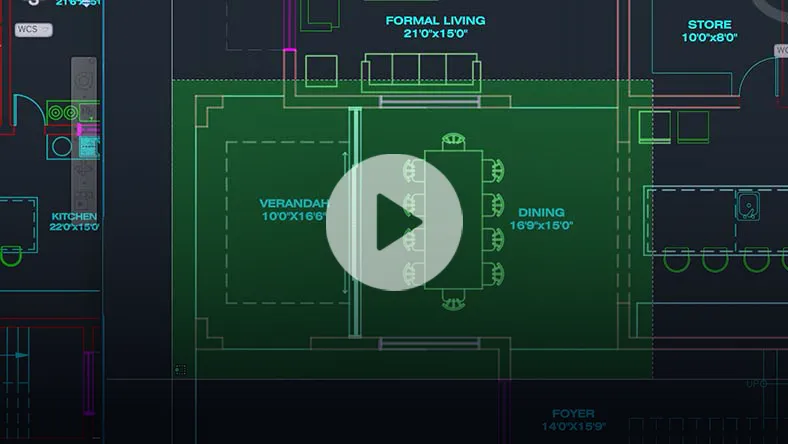
Reserve specific geometry within shared DWG files, allowing parallel editing in isolated environments. Apply updates safely back to the source drawing through Forma Data Management Essentials.
Connected References
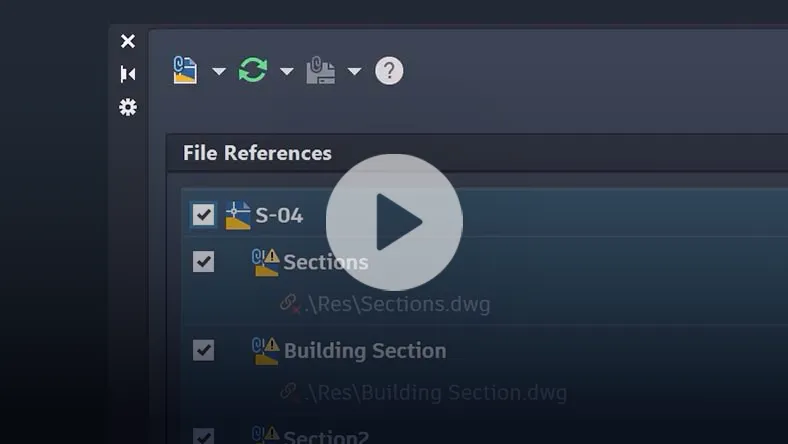
Preserve Xref integrity for drawings stored in Forma Data Management. AutoCAD detects moved or renamed references and suggests automated repairs from the Xref palette.
Connected Support Files
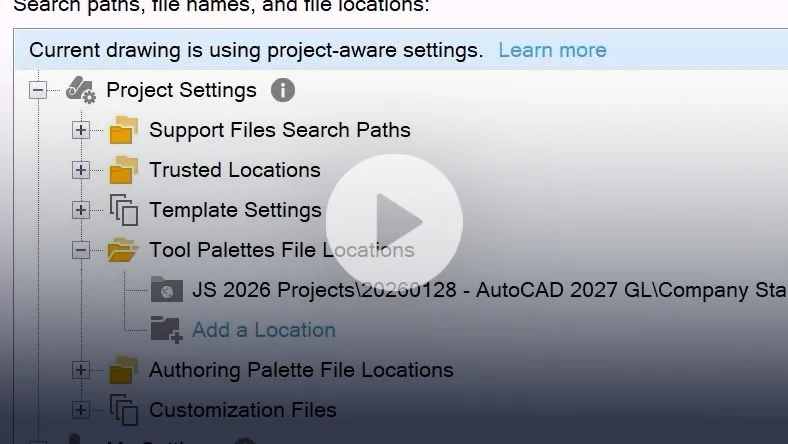
Provide CAD managers with centralised control of support files. Project-aware tool palettes and CUI configurations ensure correct resources load automatically.
AutoCAD on the Web - Issues
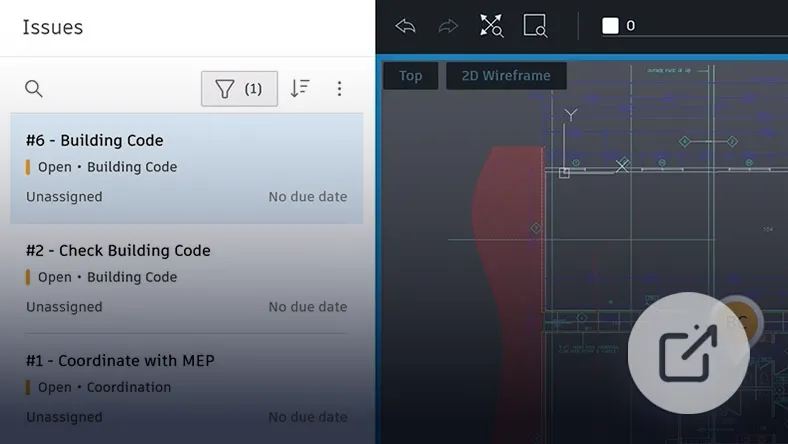
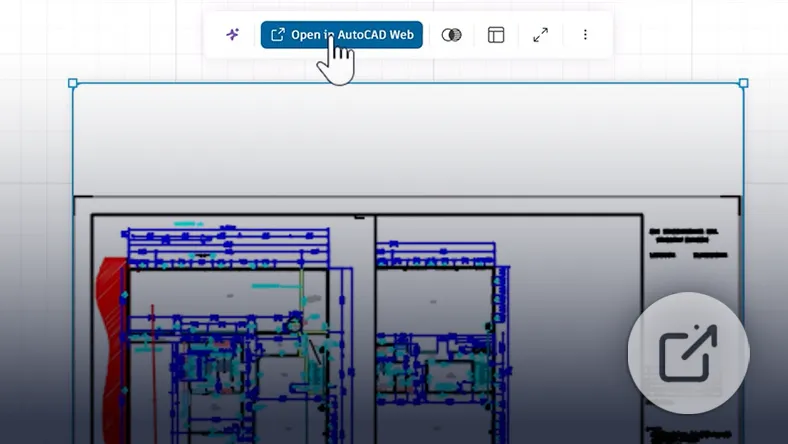
Create, view, and resolve issues directly within drawings via integration with Forma Data Management Issues.
AutoCAD on the Web - Forma Board
Apply patterns to bodies/features with flexible spacing and direction.
Revit Integration
Coordinated Revit Project Data
Revit Cloud Models
Save and publish Revit cloud models for 2D and 3D review. Use built-in tools for sectioning, measurement, filtering, and property inspection to support coordinated evaluation.
Hypermodel Viewing
Contextualise 2D sheets within the 3D model. Align drawings to model geometry to validate coordination across disciplines.
Markups & Issue Tracking
Create and resolve issues on sheets or 3D models within Revit or Forma Data Management. Changes remain synchronised across both platforms.
Version History and Comparison
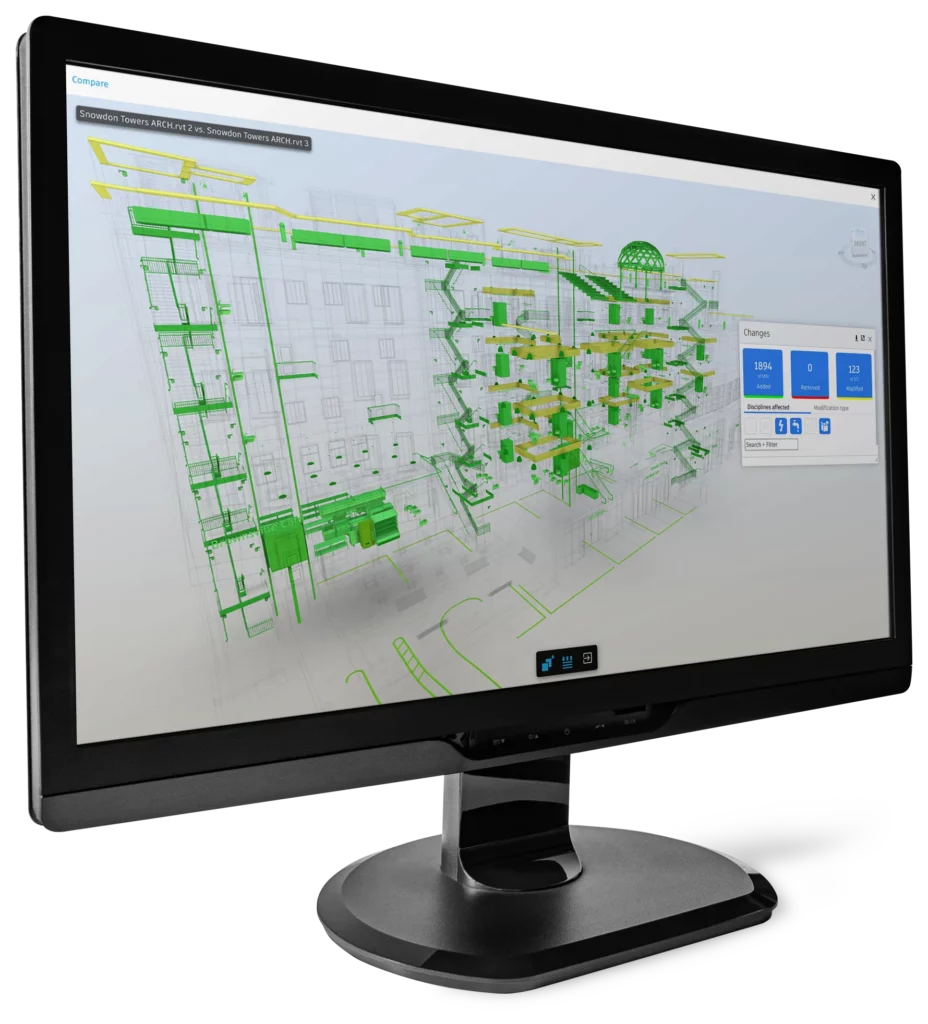
Access full version histories of Revit cloud models. Compare views, sheets, and model changes in both 2D and 3D to understand design evolution.
Data Exchanges
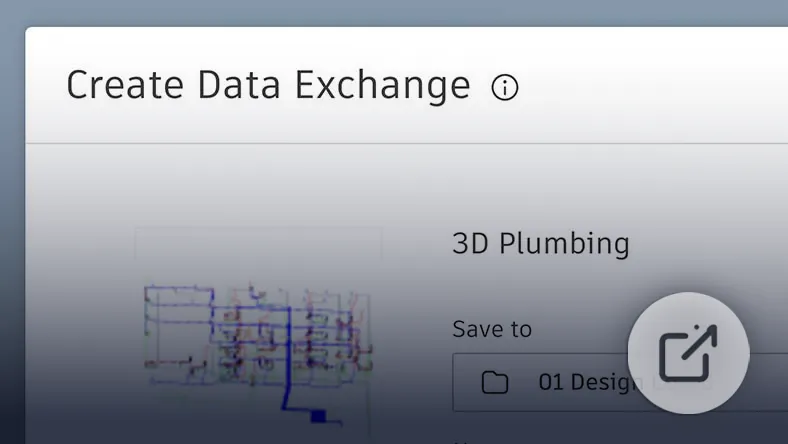
Share focused subsets of model geometry and properties without distributing the entire model. Exchanges update with published changes to support cross-application workflows.
Civil 3D Integration
Connected Civil 3D Collaboration
File Management
Open, create, and save Civil 3D drawings directly in Forma Data Management with automatic file locking to prevent conflicts. Publish sheets to maintain organised, up-to-date deliverables.
Connected Sheet Set Manager
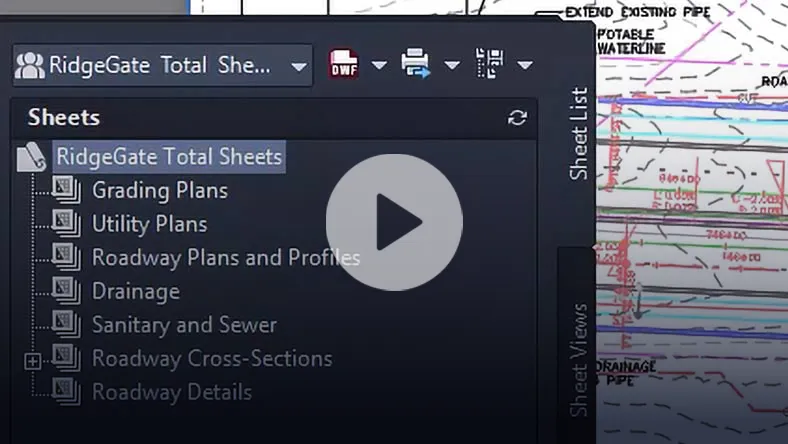
Manage sheet sets in the cloud, automatically sharing updates and reducing manual coordination.
Activity Insights
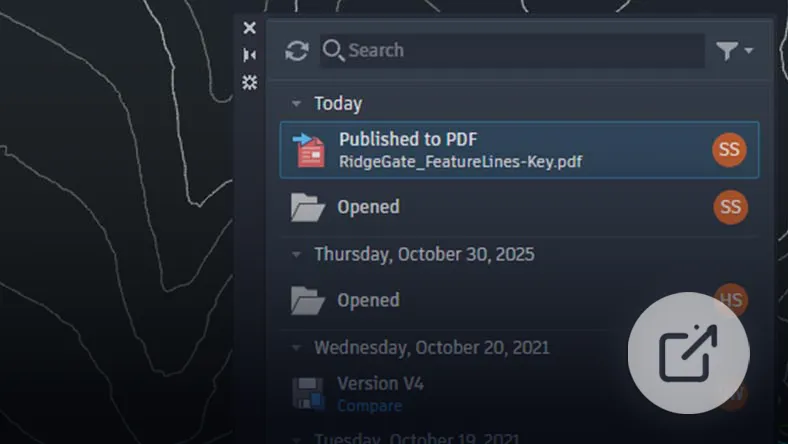
Access multi-user event logs covering more than 35 activity types, including version history and file comparison across managed or third-party storage.
Connected Support Files
Define centralised project-aware support settings to ensure consistent viewing and editing without additional user configuration.
Connected References
Automatically identify and repair missing or renamed xrefs, reducing manual troubleshooting.
Markup Import and Sync
Import PDF markups and synchronise feedback into Civil 3D via Trace layers, allowing review and implementation without switching applications.
Have Questions About Complex Applications?
Speak to us about your operational requirements or outcomes and
we'll tailor a solution best suited to your business.