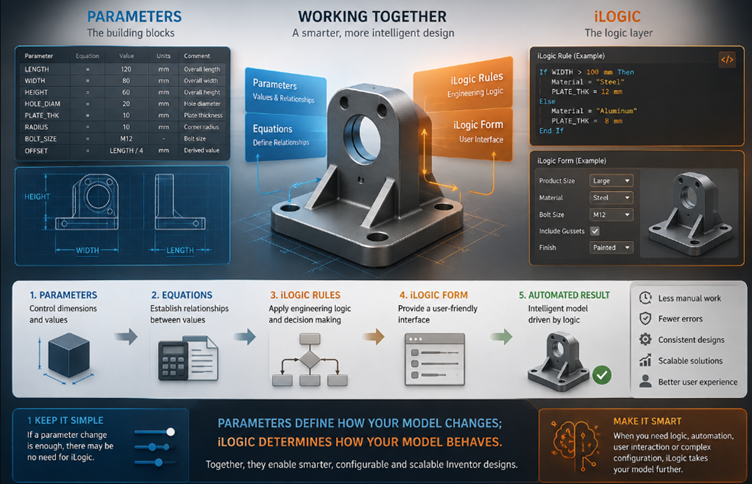
When working with Autodesk Inventor, parameters and iLogic are often mentioned together—and for good reason. Both can be used to create smarter, more adaptable designs, but they serve very different purposes. Understanding where parameters end and iLogic begins is essential when developing design automation workflows.
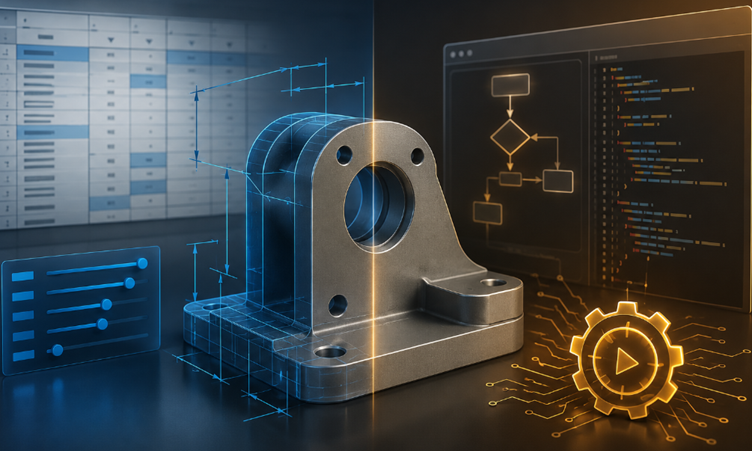
Parameters: The Foundation of Your Design
At the heart of an Inventor model are parameters. They define the dimensions and values that control how a part or assembly behaves. A parameter might represent a length, diameter, thickness, angle, quantity, or even a calculated value.
For example, rather than modelling with a fixed 100 mm length, you could create a parameter called Length. Changing that value from 100 mm to 150 mm allows Inventor to update the associated geometry automatically.
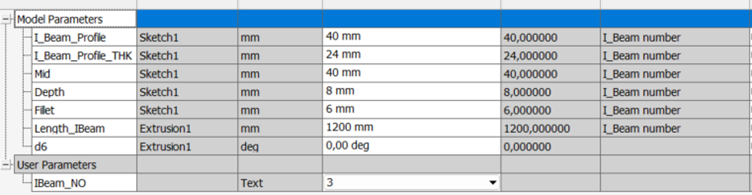
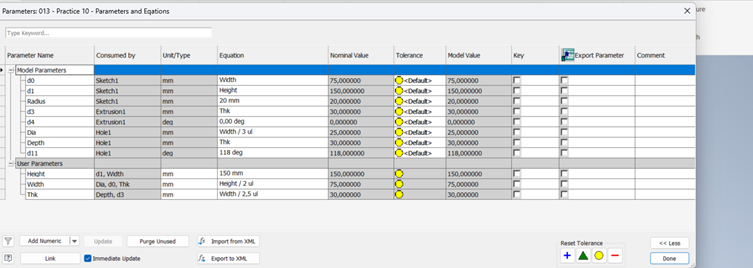
Parameters can also be linked through equations. This allows one value to drive another, creating relationships between different aspects of a design. This is particularly useful when the design follows predictable mathematical or engineering relationships.
In simple terms, parameters describe the design. They define what the model is and how its geometry should respond when values change.
However, parameters have limitations. They are excellent at controlling values and relationships, but they don’t inherently make decisions. This is where iLogic becomes particularly useful.
iLogic: Adding Intelligence to the Model
iLogic builds on the foundation provided by parameters by introducing rules and decision-making.
With iLogic, you can create rules that tell Inventor what to do when certain conditions are met. For example:
If the component size is greater than a certain value, use a different material or activate a particular feature.
Instead of simply changing a parameter, iLogic can evaluate information, make decisions, and then modify multiple aspects of the model.
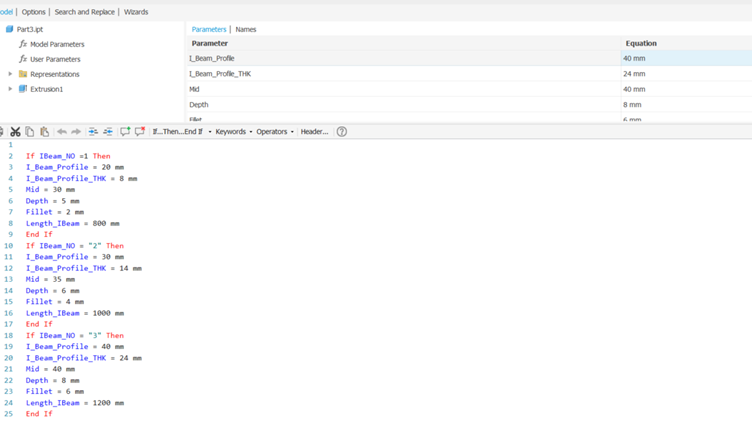
iLogic can control parameters, suppress or activate features, change component configurations, update iProperties, manage assemblies, and automate repetitive design processes.
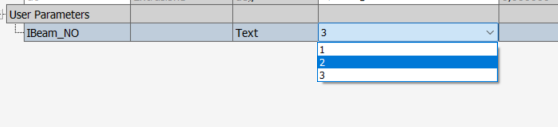
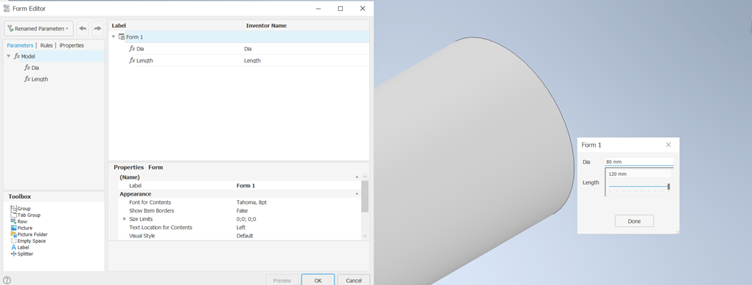
One particularly useful feature is iLogic Forms. Forms allow you to create a user-friendly interface for controlling an intelligent Inventor model. Rather than asking users to search through a long list of parameters, you can provide a simple form containing only the options they need.
For example, a product configurator could allow a user to select a product size, material and configuration. The iLogic rules then interpret those selections and automatically build the appropriate design.
So, Which One Should You Use?
The answer isn’t really parameters versus iLogic. In many advanced Inventor workflows, the two work together.
Think of parameters as the building blocks of your intelligent model. They define the values and relationships that control the geometry.
iLogic is the logic layer that uses those parameters to make decisions and automate processes.
A well-designed system might therefore use parameters to control dimensions, equations to establish relationships, iLogic rules to apply engineering logic, and an iLogic Form to provide a controlled interface for the end user.
The key is knowing when to keep things simple. If changing a parameter is enough to achieve the required result, there may be no reason to introduce iLogic. But when the design needs conditional logic, automation, user interaction or more complex configuration, iLogic can take the model considerably further.
Ultimately, parameters define how your model changes; iLogic determines how your model behaves. Understanding that distinction is the first step towards creating more intelligent, configurable and scalable Autodesk Inventor designs.