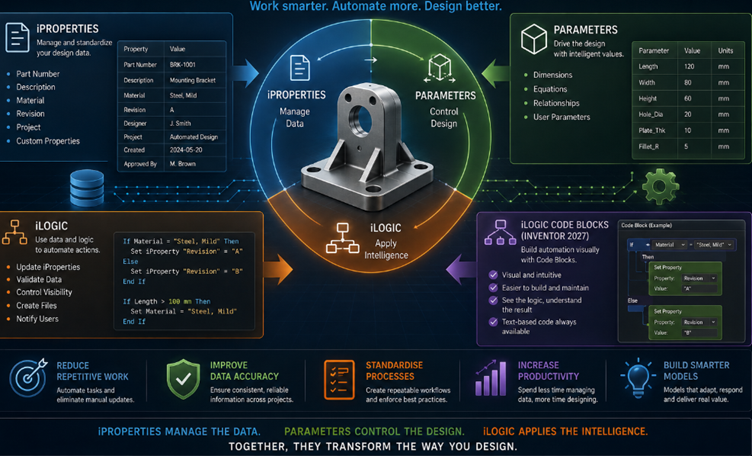
In modern engineering design, the 3D model is only part of the story. The information attached to that model is just as important. Part numbers, descriptions, materials, revisions and other design data all play a role in manufacturing, documentation and project management. Autodesk Inventor provides a powerful way to manage this information through iProperties, and when combined with iLogic, that information can become part of an automated design workflow.
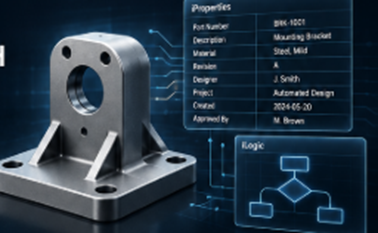
Why iProperties Matter
iProperties store important information about Inventor parts, assemblies and drawings. This can include standard information such as part numbers, descriptions, materials and revision details, as well as custom properties created specifically for an organisation’s workflow.
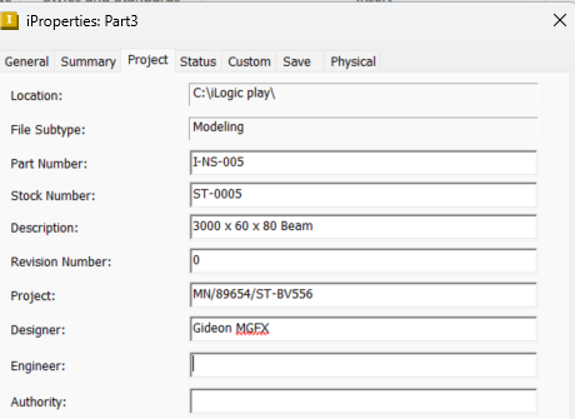
The real advantage comes when this information is managed consistently. Rather than relying on every designer to manually enter and update data, iLogic can automate many of these processes.
For example, an iLogic rule could automatically generate or update a part number based on selected parameters, populate a description, assign material information, or update custom properties when a design changes. This can help reduce manual data entry and improve consistency across a project.
iProperties can also support drawings, parts lists and other downstream documentation, making accurate model data particularly valuable throughout the design-to-manufacturing process.
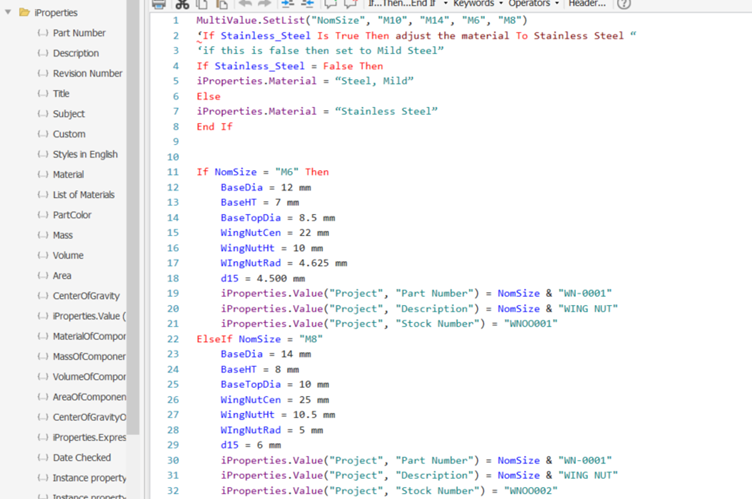
This is where iLogic becomes particularly powerful. Instead of simply storing information, iLogic can use that information to make decisions and trigger actions.
Imagine a configurable component where the material, size and product type determine the required part number. An iLogic rule can evaluate those inputs and automatically assign the appropriate information.
The same approach can be used to validate data. If a required iProperties is missing, an iLogic rule can alert the designer or display an iLogic Form asking for the information before the model is released.
This creates a more controlled workflow where the model is not only geometrically intelligent, but also carries the information required by the wider engineering process.
iLogic Code Blocks
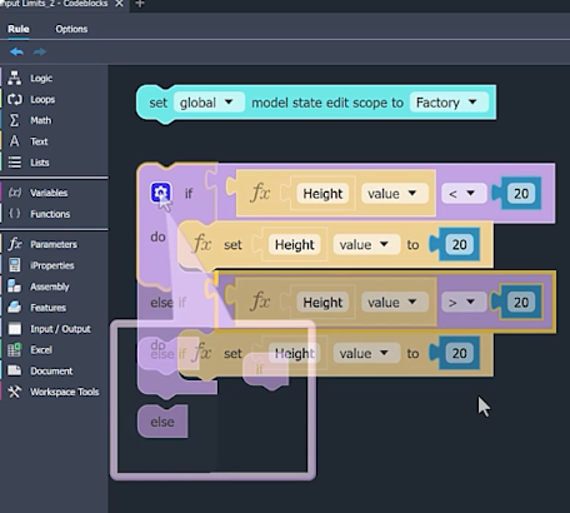
Inventor 2027 takes automation a step further with iLogic Code Blocks. This visual programming environment allows users to build logic by connecting blocks rather than relying entirely on traditional text-based scripting.
For users who are new to automation, this provides a more approachable way to understand conditions, parameters, iProperties and actions. More experienced users can also benefit from the visual structure when developing and maintaining more complex rules.
Code Blocks can represent logic such as conditions, parameters, iProperties and actions, allowing workflows to be assembled visually. The environment also provides visibility into the generated code, helping users understand what is happening behind the scenes.
This makes Inventor 2027 particularly interesting for organisations looking to introduce automation across a wider engineering team.
Bringing It All Together
The real power comes from combining these technologies rather than treating them as separate features. iProperties manage the data, parameters control the design, and iLogic applies the intelligence. With Code Blocks now providing a more visual approach to building automation in Inventor 2027, creating and maintaining these workflows can become more accessible.
When implemented correctly, this approach can reduce repetitive work, improve data accuracy, standardise design processes and create models that respond intelligently to engineering requirements.
Ultimately, the goal isn’t simply to automate a task. It is to create an Inventor workflow where the model, its data and the rules controlling it work together—allowing engineers to spend less time managing information and more time designing.