
Let’s look at How to Automatically update Descriptions in the Inventor Title Block in Inventor for more features for the title block creation. We have the drawing and model properties but also a myriad of other properties that you can extract from your models also the properties of the sheets you are working on.

- The drawing properties allows us to see how many sheets we have in the drawing we are working with.

Sheet Properties – Initial View Scale
- This tells us the scale of the first base view that you brought into the drawing sheet.

- If the view is deleted the scale will revert to the second inserted base view scale.

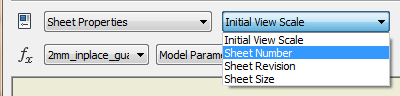
Sheet Properties – Sheet Number
- This is the number of the sheet in the drawing.
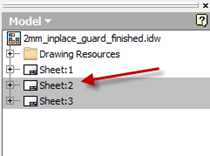

Sheet properties – Sheet Revision
- This will show us what the revision of the sheet is.
- You can see the revision in the sheet revision table as well.

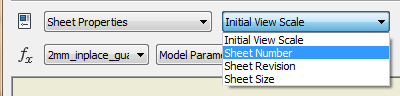
Sheet properties – Sheet Size
- This is to show big the sheet is eg A4,A3,A1 etc
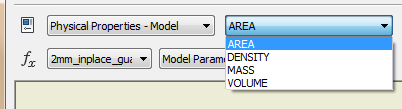
You also have Physical Properties – Model
- Area – the area of the model
- Density – the density of the model
- Mass – the mass of the model
- Volume – The volume of the model
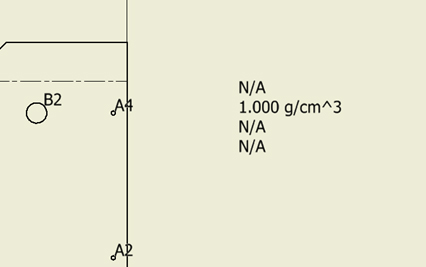
If the text says N/A go back to the part and update the physical properties.

It will then update on the drawing.

For Sheet metal components it is also very easy to extract information that is specific to sheetmetal properties.

Sheet Metal Properties
- Flat pattern extents area – this is the area of the flattened sheet metal part.
- Flat pattern extents length – this is the length of the flattened sheet metal part.
- Flat pattern extents width – this is the width of the flattened sheet metal part.
Was this helpful?
Thanks for your feedback!
